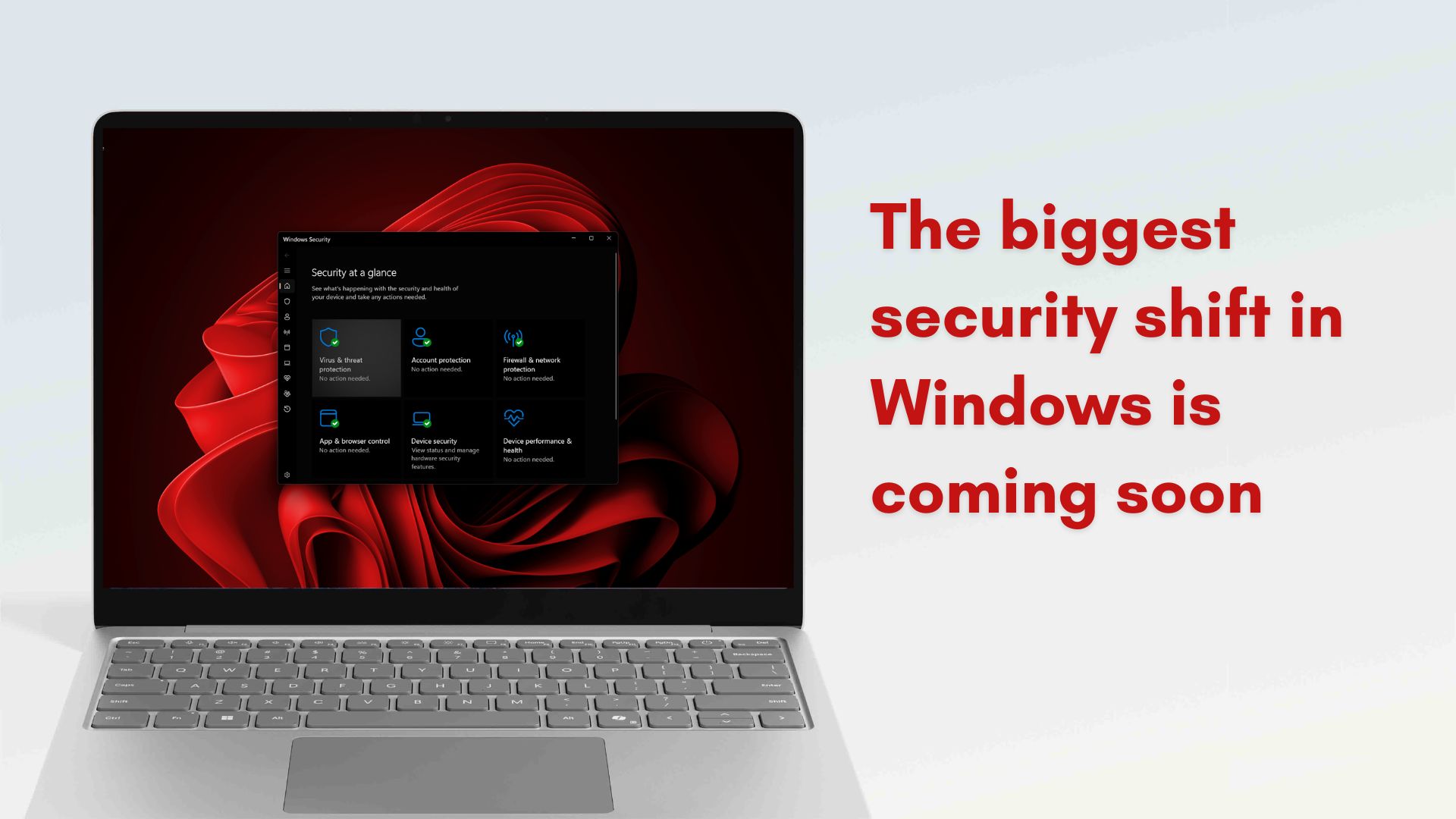
Microsoft wants Windows 11 “secure by default,” could allow only properly signed apps and drivers by default
Microsoft just announced a per-app permission system, just like Android, for Windows 11, to make the OS “secure by default”. Soon, Windows is said to allow only properly signed apps and drivers to run. This is still an experiment, and we don’t know when it’ll become the default behaviour, but it’s being considered, and we might see changes soon. Of course, you’ll be able to turn off all new security features.
For decades, Windows has walked a difficult line between openness and security. While the platform’s biggest win was always its flexibility, it also made the OS vulnerable to malware. In a new blog published on February 9, 2026, Microsoft admitted that the balance has tipped too far in the wrong direction.
Windows Platform Engineer, Logan Iyer, has acknowledged that users are increasingly seeing apps override system settings, add unwanted software, install background components, or modify core Windows behavior without clear consent.
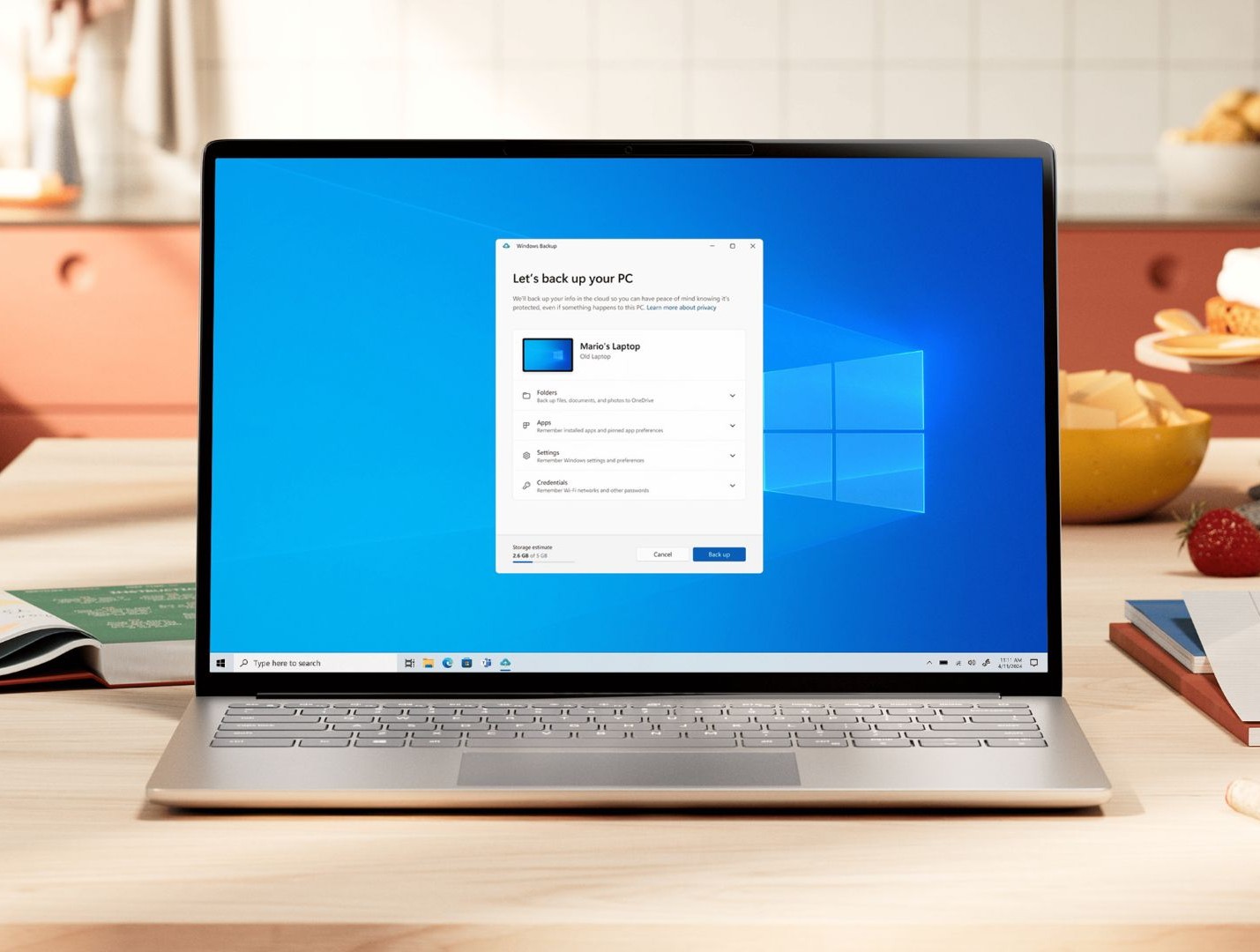
“Windows must both remain an open platform and be secure by default”, says Microsoft in its Windows Experience Blog for Security, adding that users want stronger protections without sacrificing compatibility, and both the company’s developers and ecosystem partners are all for it.
Microsoft promises that Windows 11 will evolve to make sure you’re always in control. Apps and AI tools will show you clearly what they’re doing, you’ll be able to undo their actions, and they’ll only get access to things you’ve specifically approved.
This is the company’s “consent-first” model, where Windows 11 users using millions of traditional desktop apps, cloud-connected services, and background agents would have to first authorize AI agents in order to give them the ability to automate tasks and access sensitive info.
Note that the company previously mentioned that AI agents can often hallucinate and be prey for malware attacks, but hopes that this new security model for Windows 11 will earn the trust of users, which is something Microsoft is striving for.
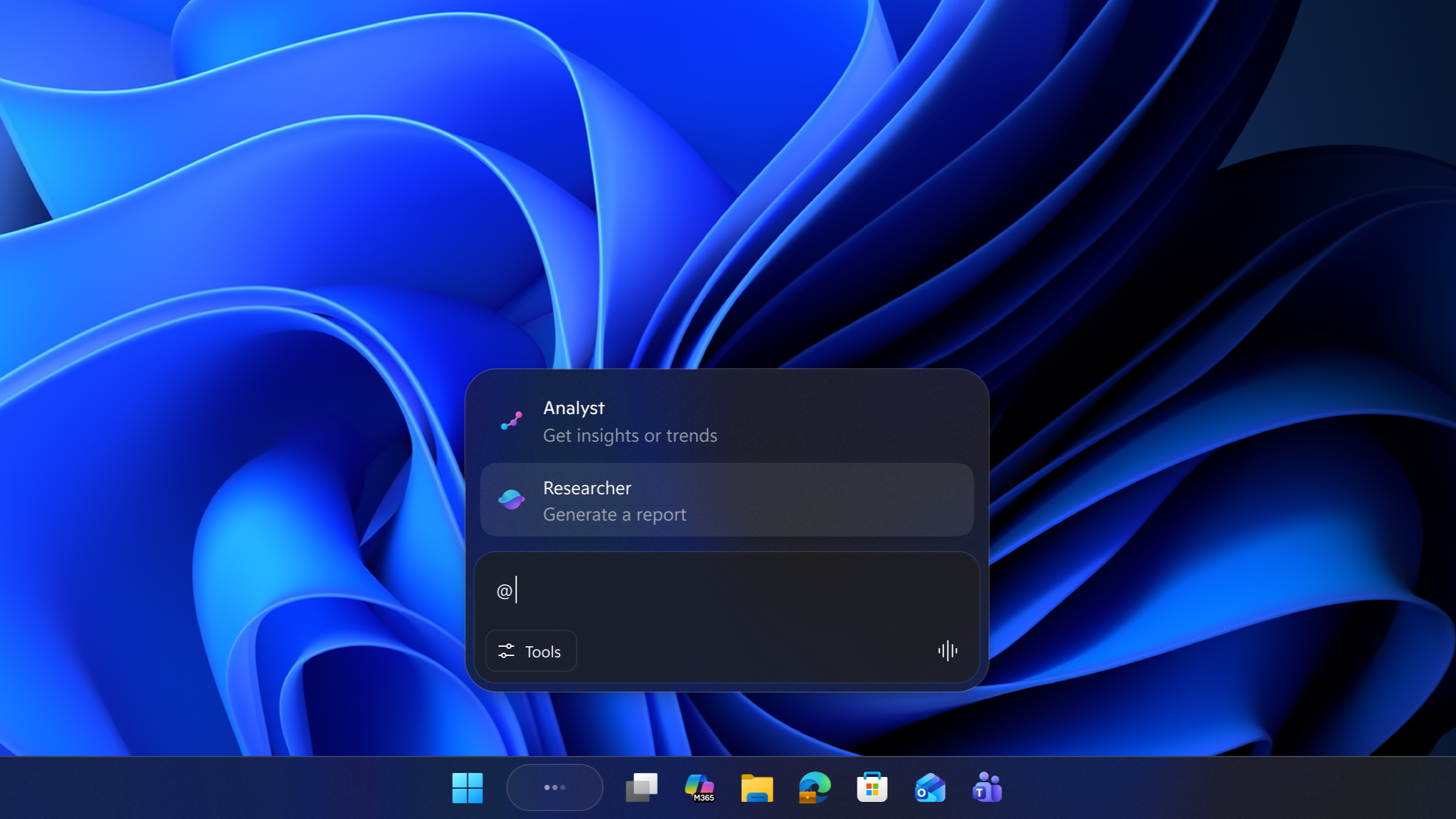
That said, Microsoft hasn’t given up on their commitment to app compatibility, and mentions that they’ll provide developers with all the tools and instructions that they’ll need to comply with the software giant’s biggest security leap yet.
Windows Baseline Security mode allows only signed apps to run
The biggest technical shift in Microsoft’s new security plan is Windows Baseline Security Mode. Under this new model, Windows 11 will run with runtime integrity safeguards enabled by default. What it means is that only properly signed apps, services, and drivers will be allowed to run on your system.
As of now, Windows still permits a wide range of unsigned and loosely verified software to execute, especially if you approve a prompt or disable certain protections, which is something that Windows users often do. Sure, the flexibility is convenient, but it is also one of the main reasons why malware continues to thrive in the most popular desktop OS.
Baseline Security Mode changes this at the foundational level.
According to the Windows Experience blog, Windows will actively verify the integrity and signature of software at runtime. If an app, background service, or driver does not meet the required trust standards, it will not run unless you explicitly allow it.
This is a major shift from today’s default behavior. Currently, Windows relies on a mix of optional protections, such as:
- Smart App Control
- Windows Defender Application Control (WDAC)
- Hypervisor-Protected Code Integrity (HVCI)
- Reputation-based blocking
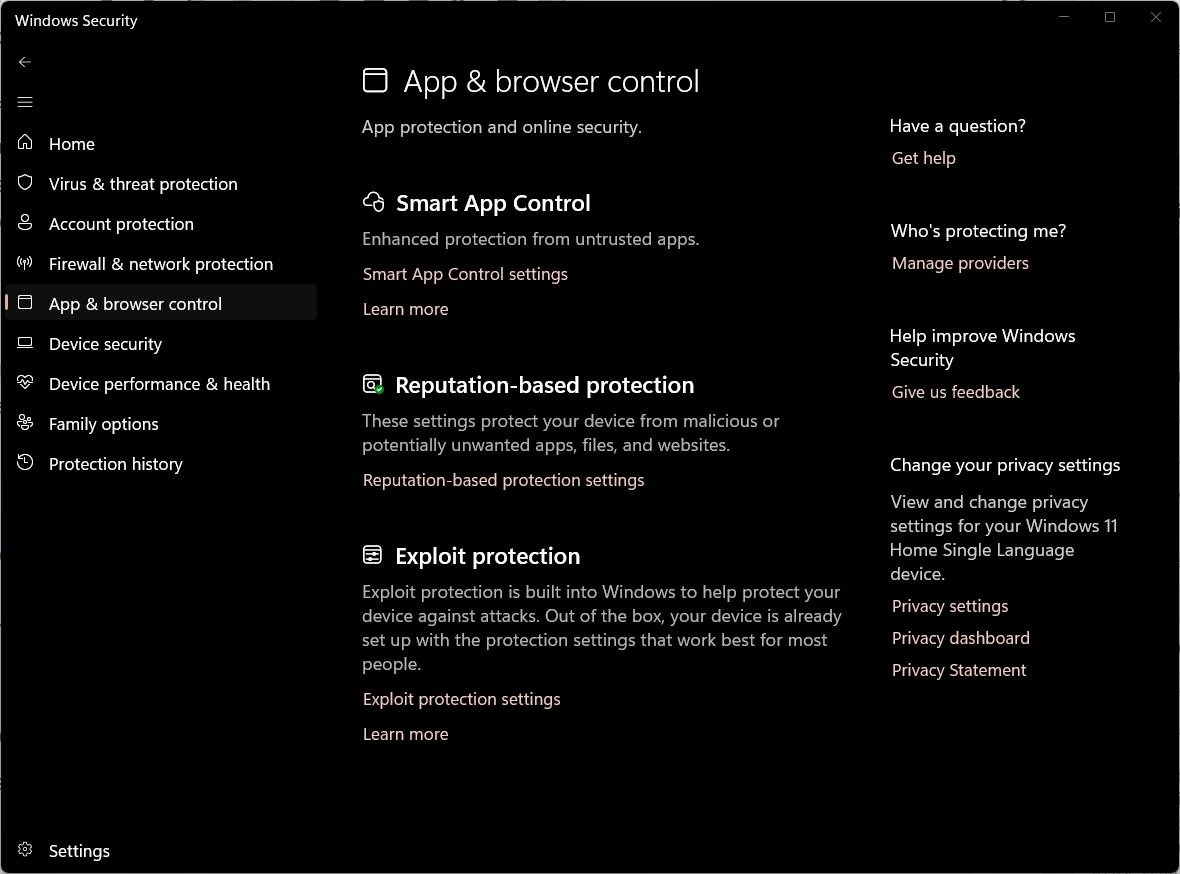
Most of these are either disabled by default, limited to some devices, or only active after a clean installation. Baseline Security Mode brings such ideas together and makes them part of the core operating system experience.
At the same time, Microsoft is not turning Windows into a closed platform. Exceptions will still be possible.
If you rely on legacy software, custom-built tools, unsigned drivers, or niche utilities, you will be able to override the safeguards and allow them to run. IT administrators and advanced users can define specific exemptions for trusted apps.
Developers aren’t left alone and get visibility into this system. Apps will be able to check whether Baseline Security Mode is active and whether any special permissions have been granted. Software makers can then adapt their products instead of being blindsided by new restrictions.
If Microsoft gets this right, a majority of users will never notice it, while harmful software will fall quietly.
It’s worth noting that Microsoft is also changing how Windows communicates these security decisions to you, in real time.
Windows now asks permission as your phone does
Along with stricter rules for app and driver execution, Microsoft is overhauling how Windows handles permissions. The company calls this User Transparency and Consent, and it is clearly inspired by how smartphone operating systems do it.
For the first time, Windows is moving toward a consistent, system-wide permission model, under which apps will trigger “clear and actionable” prompts when they try to access sensitive resources, including your files, camera, microphone, or if they install unintended software.
If this sounds familiar, it is because iOS and Android have worked this way for years.
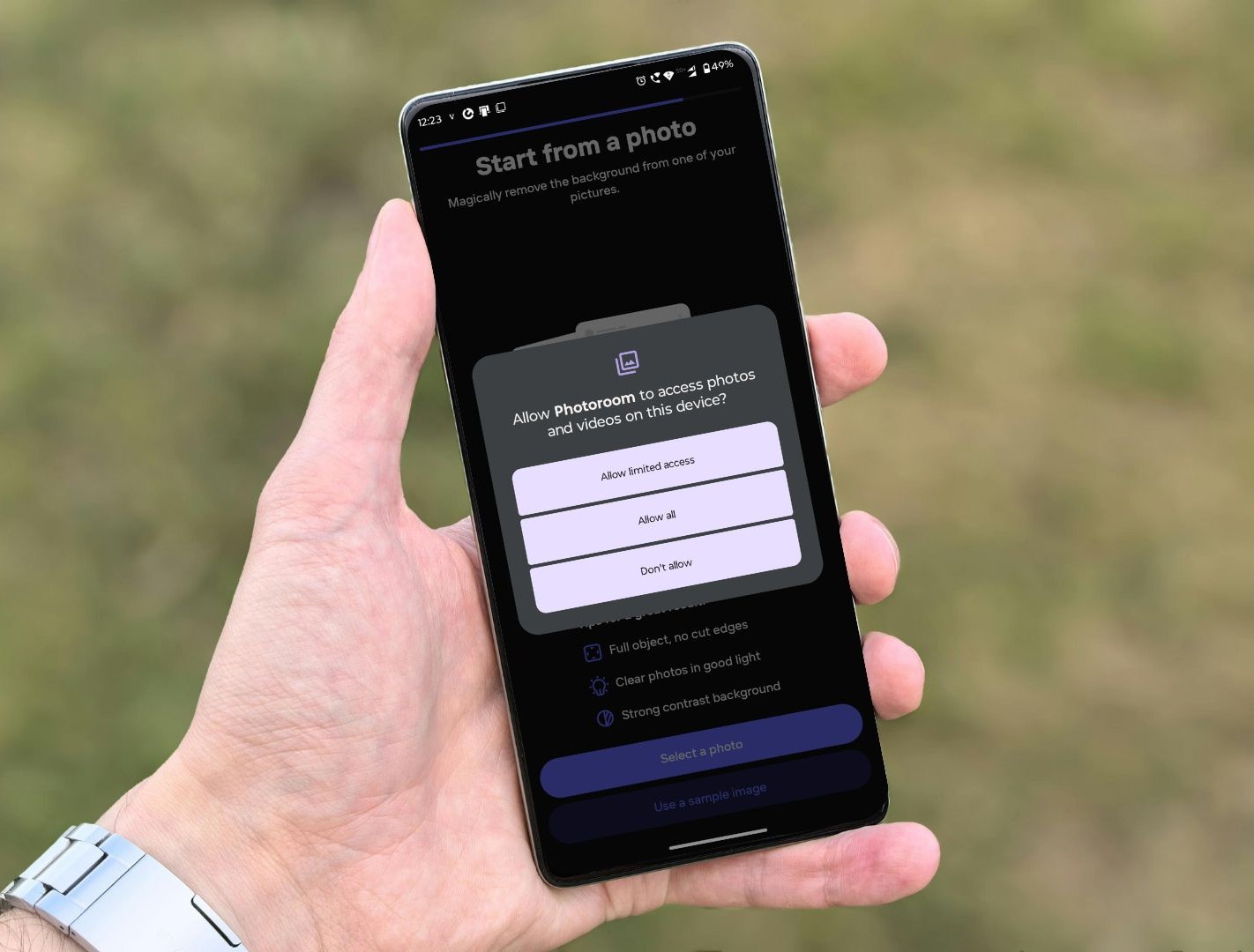
On your phone, an app cannot access your camera, read your storage, or install other software without asking, or at least showing an indication. Windows is finally adopting the same philosophy.
Note that Microsoft says these prompts are designed to be reversible. You will be able to review, modify, or revoke permissions later from centralized settings.
This is important because the Windows permissions system is scattered across remnants of the Control Panel, Windows Settings, registry flags, and some app-specific options. Most users never fully understand what they have allowed. The new model makes it possible for you to see which apps have access to sensitive resources and remove that access if needed.
Windows Baseline Security Mode will also be used for AI agents
Although Microsoft has said that they’re scaling back Copilot in Windows, it doesn’t mean that they have stopped development of AI features for the OS. As the company gives agentic access to more AI applications, even third-party ones, they have to make sure that those tools cannot scrape your files, monitor your activities, or install components without your approval. We believe that Windows Baseline Security Mode and User Transparency and Consent are both intended to “raise the bar” for the impending Agentic AI era.
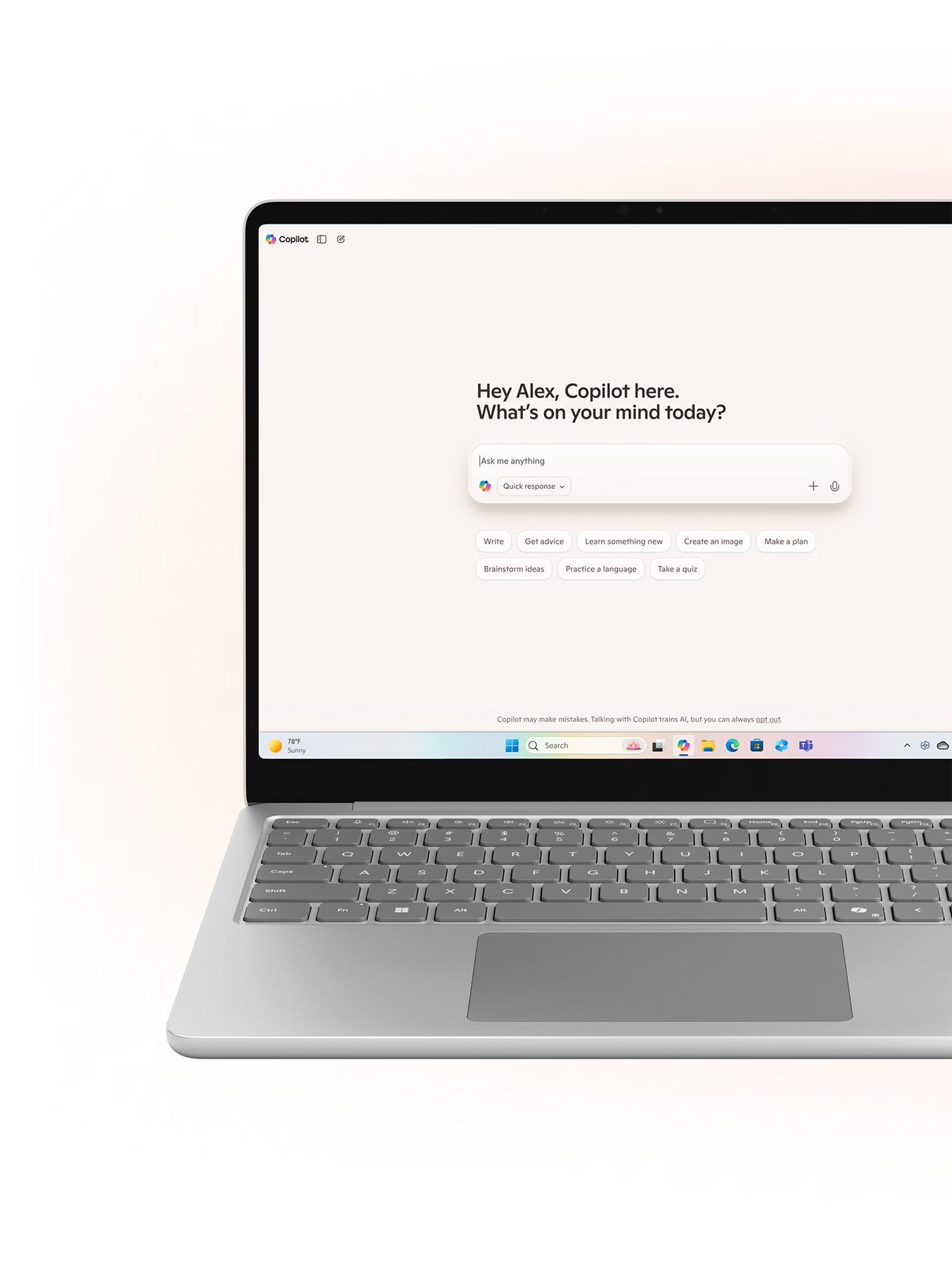
If developers eventually move to design apps with transparency in mind, then the lesser the pressure on Microsoft, and, of course, more trust in Windows, which could tempt more among the one billion users to use AI in their workflow and daily life.
These two systems together, Baseline Security Mode and User Transparency and Consent, represent the biggest structural change to Windows security in years.
But they will not appear overnight. Microsoft is rolling them out in stages, testing them with partners and developers before making them universal.
What this means for developers, enterprises, and ordinary users
While Windows Baseline Security Mode and User Transparency and Consent sound like major technical changes, Microsoft is being careful about how they are introduced. The company is not flipping a switch overnight and forcing every PC into a locked-down environment.
The company insists that this transition will happen through a phased rollout, where the first stage is visibility for users and IT admins into how apps and AI agents behave on their systems, what they access, and what permissions they use.
For developers, Microsoft says that their existing “well-behaved” apps will continue to work and software makers will be given proper runway to adapt. The company is also preparing new tools, APIs, and documentation to help developers understand how their apps interact with the new security model and how to comply with it.
The Windows ecosystem still relies heavily on legacy software and internal business tools that cannot be rewritten as and when needed, so a gradual move is better for this new security feature coming to Windows.
That said, enterprises can save a ton of resources from Baseline Security Mode and the new consent system, as IT admins will get better visibility into what is running on employee devices, what permissions are being used, and where there could be potential risks.
Security vendors and major software companies are also backing the initiative. Microsoft’s blog includes support from partners such as 1Password, Adobe, CrowdStrike, OpenAI, and Raycast, all of whom see value in Windows evolving to be secure by default, with clearer consent models.
To be clear, Windows is not losing its identity as an open platform. You will still be able to install almost any app. Developers can still distribute software outside the Microsoft Store. Power users can still override protections when needed. The difference is that these actions will now be more visible and deliberate.
“freedom to install any app and openness to every developer.”
Microsoft is essentially trying to move Windows closer to the security model of modern mobile platforms, without sacrificing the flexibility that made it successful in the first place.
If the company executes this well, it could mark the end of an era of traditional malware.
First Appeared on
Source link