


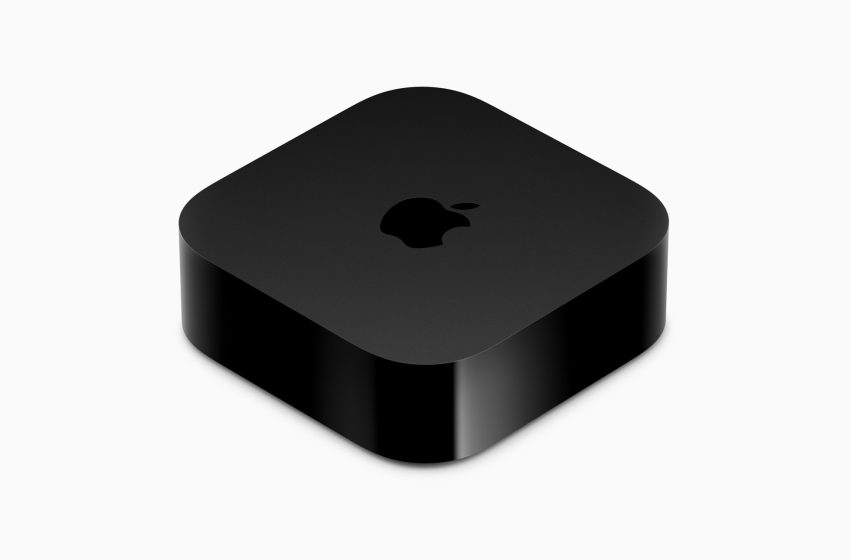
Apple Rolls Out tvOS 26.4 for Apple TV 4K, Bringing Three Significant Enhancements But Two Popular Apps Leave
Apple has released tvOS 26.4, the latest software update for its Apple TV 4K and Apple TV HD streaming devices, and it arrives with a meaningful set of improvements that touch on content discovery, audio engineering, and accessibility. The update is available now via the Software Update screen in Settings, and for users who spend a significant portion of their evening hours in front of Apple TV hardware, the additions are likely to feel immediately useful.
Genius Browse Brings Smart Content Recommendations to the TV App
Perhaps the most visible addition in this release is Genius Browse, a feature that arrives exclusively within Apple’s TV app and takes direct inspiration from the beloved Genius recommendation system that iTunes users will remember fondly. The feature surfaces a curated selection of movies and television shows organized into thematic groupings — categories with names like Good for a Date Night or Based on a Book — and makes these recommendations accessible by scrolling down through the Home tab of the TV app.
What sets Genius Browse apart from a static recommendation shelf is its layered approach to discovery. When a user selects a particular title from within any given category, the system generates an additional ring of related suggestions specific to that selection. The categories themselves refresh on a rolling basis, ensuring that returning users will not encounter a stale experience.
Critically, Genius Browse is not confined to Apple TV+ content. The feature pulls recommendations from a wide range of supported streaming services, including Prime Video and HBO Max, making it a genuinely cross-platform discovery tool rather than a vehicle for promoting Apple’s own catalog. Users can further personalize the experience by selecting which household profile the recommendations should be tailored to, and they have the option to filter results by preferred genre — a practical touch that makes the feature useful for households with divergent viewing tastes.
Continuous Audio Connection Addresses a Long-Standing Compatibility Challenge
The second feature in this update is more technical in nature, but its impact on audio quality could be significant for a meaningful subset of Apple TV users. tvOS 26.4 introduces a new toggle called Continuous Audio Connection, found within the HDMI Output section of the Video and Audio settings menu. The setting establishes a persistent Dolby MAT connection that allows the Apple TV to transition fluidly between different audio formats without interrupting the stream.
The practical benefit is that older or less sophisticated AV receivers — which may indicate Atmos playback on their displays — will now correctly pass through the intended audio format rather than misrepresenting or altering it. Feedback gathered during the beta testing period suggests that Sonos users in particular stand to benefit from this enhancement, as the Continuous Audio Connection resolves handshake issues that have plagued certain Sonos setups for some time. That said, the improvement is not exclusive to Sonos hardware and may resolve similar connectivity friction for owners of other receiver brands as well.
Subtitle Customization Finally Gets the Prominence It Deserves
The third addition in tvOS 26.4 is one that accessibility advocates have been pushing for: a dedicated subtitle styling menu built directly into the system-wide video player. Previously, users who wanted to adjust how subtitles appeared on screen were required to navigate deep into the Accessibility section of Settings — an unintuitive location that meant the feature went largely undiscovered by the average viewer. With this update, a Style option now appears prominently in the subtitles menu during any playback session within the TV app or any third-party application that relies on Apple’s standard video player.
The available preset styles include Classic, Large Text, Outline Text, and Transparent Background, offering a meaningful range of visual presentations to suit different viewing environments and personal preferences. For those who want to go further, a Manage Styles button opens a more granular set of controls. By surfacing these options at the point of playback rather than burying them in a separate settings hierarchy, Apple has made subtitle customization accessible to a vastly larger audience.
Two Legacy Apps Depart as Apple Consolidates Around the TV App
Alongside the new features, tvOS 26.4 marks the end of the road for two applications that have been in decline for years. The standalone TV Shows and Movies apps — relics of the iTunes Store era when purchasing individual episodes and films was the dominant model of digital media consumption — are no longer included with the update. Their functionality has been fully absorbed into the Store tab of the TV app, which continues to support digital purchases and rentals alongside streaming content from Apple TV+ and partner services.
The removal is unlikely to inconvenience the vast majority of users, who have long since migrated to the unified TV app experience. It does, however, signal Apple’s continued effort to streamline the tvOS interface by eliminating redundancy and consolidating its entertainment ecosystem into a single, cohesive destination. tvOS 26.4 is available to install now on both the Apple TV 4K and Apple TV HD.
Please add Cord Cutters News as a source for your Google News feed HERE. Please follow us on Facebook and X for more news, tips, and reviews. Need cord cutting tech support? Join our Cord Cutting Tech Support Facebook Group for help.
First Appeared on
Source link






