


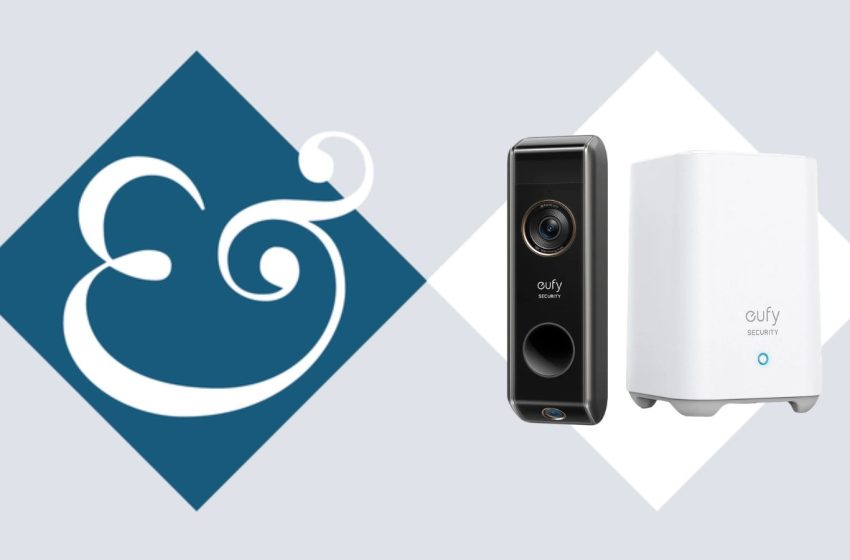
I Vetted the eufy S330 Video Doorbell: It Was a Lifesaver
During a busy house remodel, I installed the eufy S330 Video Doorbell, which is battery powered for ease, and was impressed that this dual-camera offering was fast to set up and delivered advanced visibility compared to others I’ve tested.
Whilst many competitors do not include the hub, the eufy S330 came with a HomeBase that allows for subscription-free storage – a bonus for privacy-conscious users like me.
My One-Minute Summary
The eufy S330 Video Doorbell’s USP is its full smart doorbell functionality without the monthly subscription. Instead, all footage is stored on the HomeBase, which means you can review events anytime without paying ongoing fees.
Its dual-camera setup is genuinely useful too: I found that the 2K front camera clearly captures visitors, while the second camera gave me a full view of my doorstep for deliveries – especially helpful for households that receive frequent packages. Setup is easy, and alerts are smart enough to reduce (although not eliminate) false alarms.
Its main drawbacks are relatively minor. The connection to the live feed and two-way audio can be slightly slow to open, and the battery may need charging more often in busy households with lots of motion.
Still, for suburban or urban homes wanting strong doorstep security without subscription costs, it’s a compelling buy and worth the price. If you want a cheaper option, the eufy E340 offers similar core features for around $50 less, while those prioritizing the fastest app performance may prefer the Ring Battery Doorbell Plus, which we found offered no lag – though it requires a subscription to unlock full recording history.
eufy S330: Specifications
|
Power |
Battery or wired |
|
Field of view |
Dual cameras, 160-degree diagonal |
|
Video resolution |
2K and 1080p |
|
Object recognition |
Yes |
|
Night vision |
Yes (black and white) |
|
Two-way audio |
Yes |
|
Storage |
HomeBase 2 hub with 16 GB local storage |
|
Recording capacity |
Up to ~180 days of footage (depending on recording frequency) |
|
Weatherproofing |
IP65-rated black casing (weather and dust resistant) |
|
Temperature tolerance |
Operates from -4°F to 122°F |
|
Chime |
Built into HomeBase 2 hub |
|
Connectivity |
Wi-Fi (2.4 GHz support typical for eufy doorbells) |
eufy S330: Installation and Setup
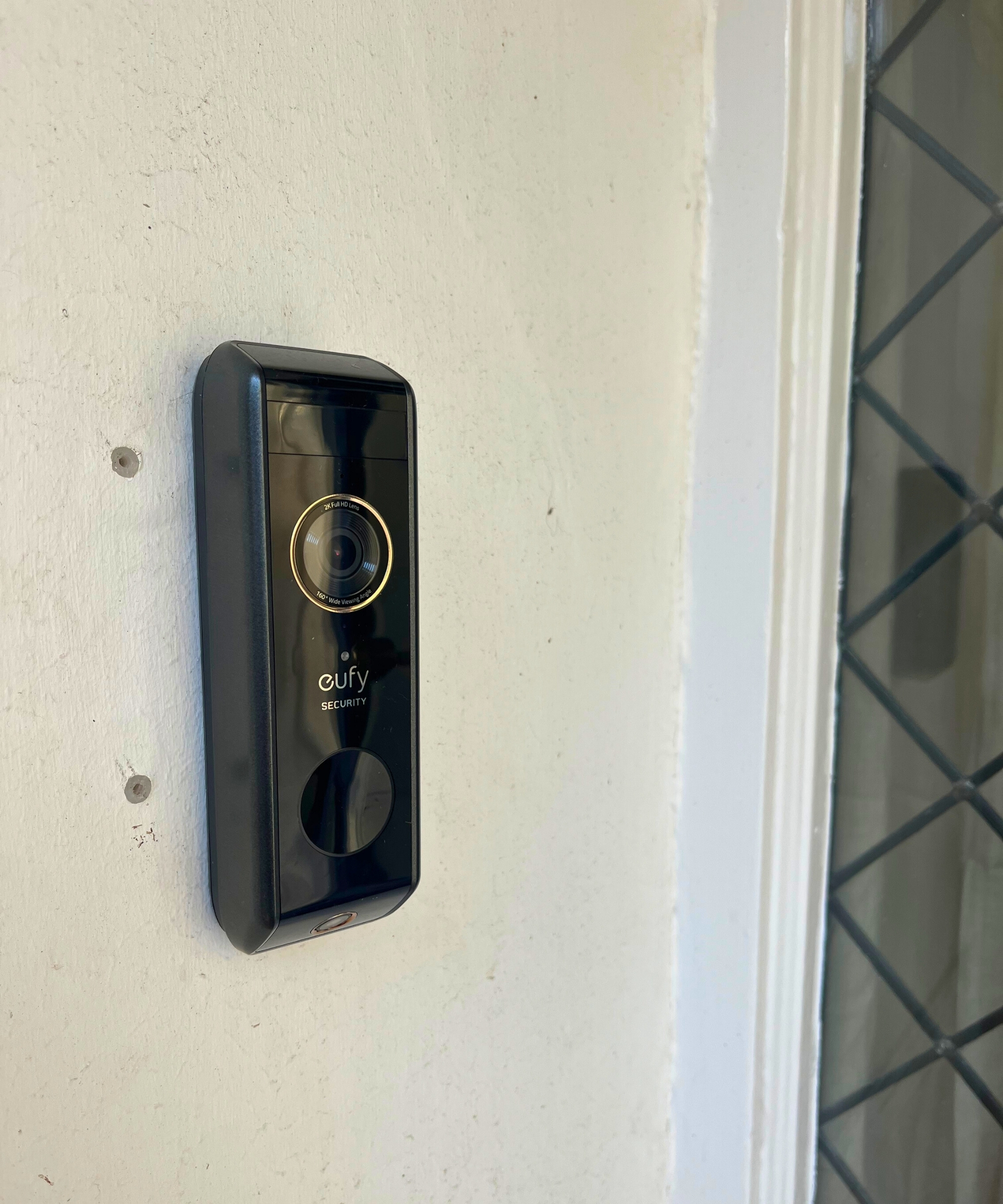
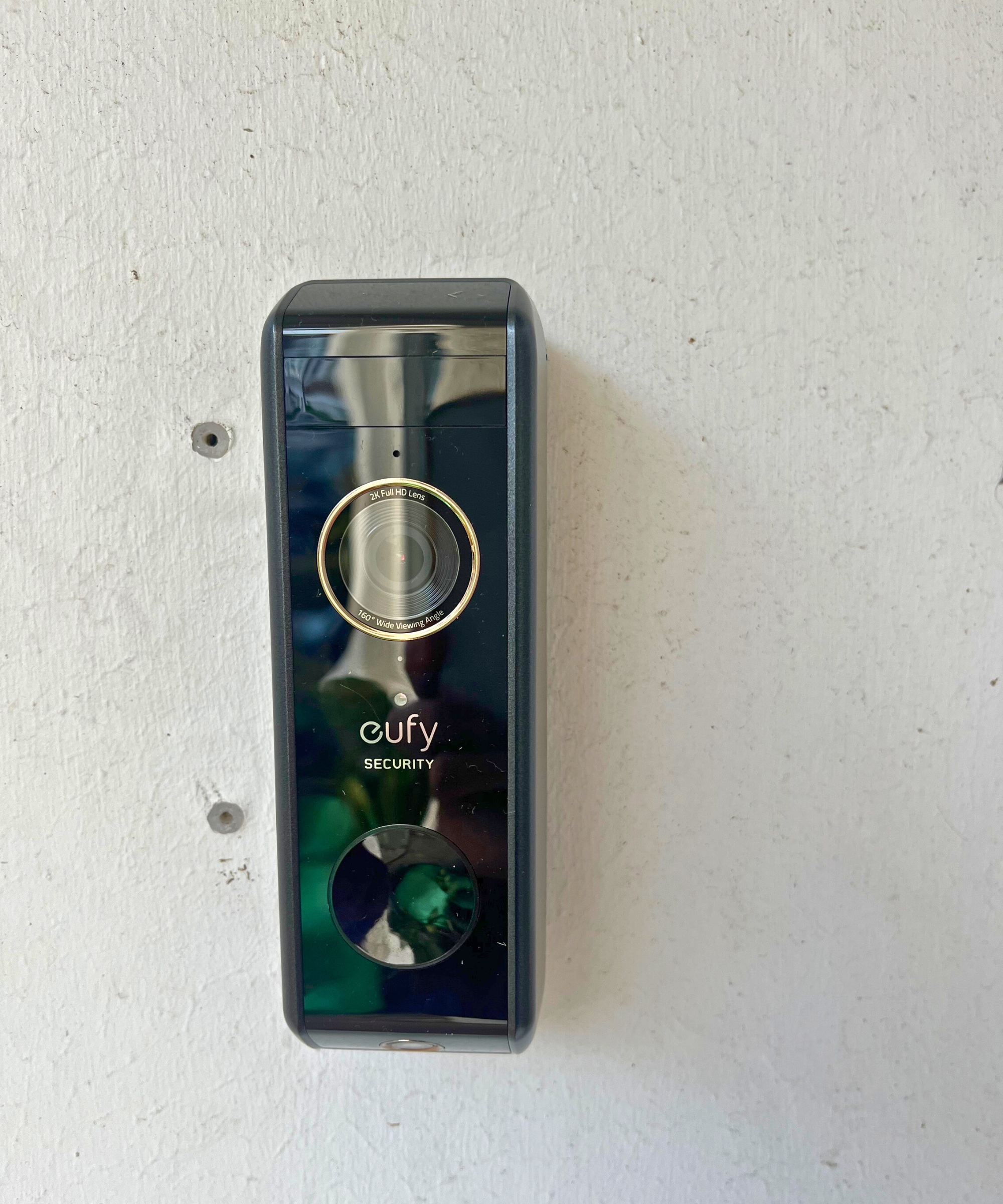
The doorbell can be mounted flat or angled, depending on your porch setup.
(Image credit: Future / Lucy Searle)
Inside the box, you can expect to find the eufy S330 Video Doorbell, the HomeBase 2 hub, a mounting kit and screws, and the Quick Start guide.
I found installation really straightforward: I simply connected the hub to my router and powered it on. LEDs indicate status – blue blinking for setup, solid blue when connected. While this was in motion, I downloaded the eufy Security app to add to my smart home setup, scanned the QR code on the doorbell with the app, pressed the sync button, and waited for confirmation that the two had paired, which they did pretty quickly.
The mounting kit is equally easy to install (though I’ll admit to asking a contractor with more advanced DIY skills to fix that to the porch wall for me). The kit comes with two mounting bases: One flat, one angled, so that whatever your porch setup, you can position it to capture the widest possible view. It’s recommended that the doorbell be mounted at around four feet above the ground; mine’s probably a little higher, but I can still see both my porch floor and ceiling.
I chose a battery-powered installation, though there is a hard-wired option using existing doorbell wires. However, because I installed the doorbell in my first week in my new home, I needed it up and running quickly – I had a ton of deliveries planned, and construction workers coming and going over the next few weeks.
Connectivity has been reliable so far, though it’s worth noting that if the router is unplugged or moved, it can upset the connection between it and the HomeBase, and the HomeBase and the doorbell, which can then go offline – at which point you may need to remove it from the app and resync it.
eufy S330: Video Quality
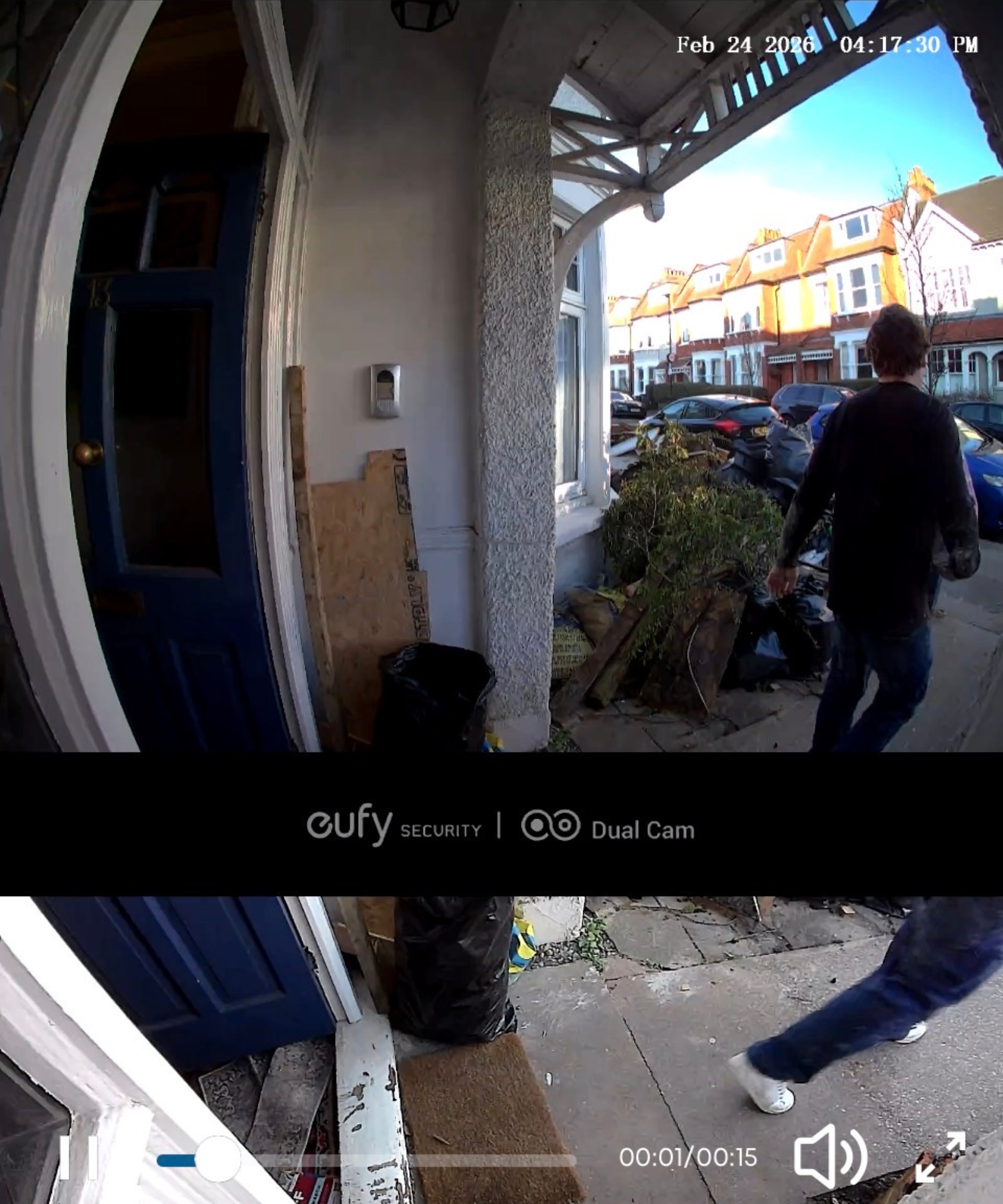
Video quality is clear enough to pick up facial features and couriers’ uniforms, but not the branding on packages.
(Image credit: Future / Lucy Searle)
The standout home security feature of the S330 is its dual-camera setup. The front 2K HDR camera offers a 160-degree field of view, which captures visitors clearly, to the point where you can read logos on clothes and clearly see facial features. The additional package camera (1080p) offers a 97-degree field of view and allows me a surprisingly full view of my entire doorstep.
This means you can clearly see a package, even a small one, on your doorstep – though I can’t zoom in to read the label.
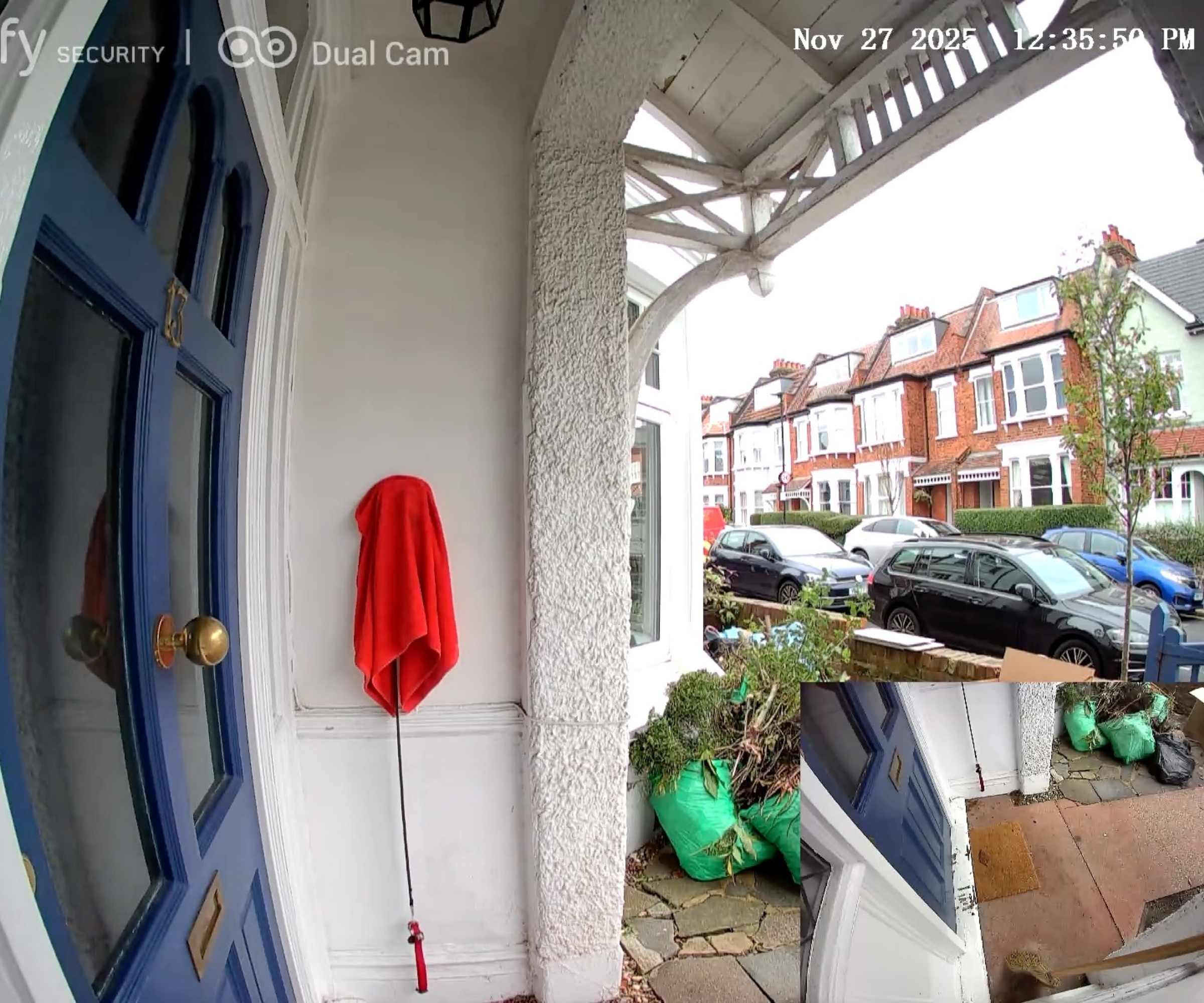
There is also a picture-in-picture display or a split screen. That way, you can see what’s on the doorstep and someone’s face – both simultaneously and clearly. This is particularly useful, I imagine, if you regularly receive packages but have perhaps in the past had them stolen from porch pirates. And, be assured, vision is great at night, too. The package camera switches to black and white infrared in the dark but the view is still clear.
I had the original Google Nest camera in my old home, and while I prefer the eufy’s camera functionality, I found the Nest app quicker to respond, so I tended to miss fewer visitors.
I have pretty decent WIFI at home (and the doorbell is only around 10 yards from my well-positioned router), and I tend to use 5G when I’m out, but I’ve yet to manage to get the app open and functioning before the person at the door has left again.
eufy S330: Audio Quality
There’s a slight delay, but the audio is clear even in windy conditions.
(Image credit: Future / Lucy Searle)
Audio is really clear, even if it’s blustery or noisy outside. As with most video doorbells, there is two-way audio for communicating with visitors – so if someone rings your doorbell, whether you are home or not, you can talk to them via the app on your phone.
I have found that there is a lag when I am speaking to someone at the door. It’s only two to three seconds, but it’s enough to make us talk over each other.
eufy S330: App and Smart Features
The app is simple to understand, with a clear log of recent visitors.
(Image credit: Future / Lucy Searle)
The app is extremely easy to use and allows you full control (other than charging) of the doorbell. I tend to only access two of the screens: The home screen, which shows if the doorbell is on or offline, and which provides a ‘security report’ (icons of faces that have appeared at my door historically); and the events screen, which is essential to secure my porch.
The events screen is the most used. It is the one I can go to to see who has come to my door as an alert comes in, assuming they’ve either let themselves in with a key or simply put something through the door.
I also like that the app can manage multiple users – permissions can be customized for family members so family can see, for instance, that it’s me at the door.
eufy S330: Motion Detection and Notifications
The eufy S330 allows you to name familiar faces, detect when a package has been left, and set pre-recorded responses to deter porch opportunists.
(Image credit: Future / Lucy Searle)
The doorbell chimes from the HomeBase 2 hub and from my phone, but it is not terribly loud. You can pair the eufy S330 with Alexa and Google Assistant.
Smart AI alerts include human detection, package delivery notifications, and loitering detection. I haven’t had a loitering detection as of yet (luckily), but I can imagine this might be something you’d have to silence if your porch overlooked a bus stop or crosswalk, for example.
The human detection function is truly useful – you get a notification to your phone (if enabled) every time someone comes to your door. I have a short front path, so I occasionally get notifications of neighbors passing by, too, though I don’t get notified that a dog or a truck, for instance, has passed.
We’ve seen similarly advanced motion detection in other video doorbells, such as the Philips 7000 Series.
You can reduce false alerts by engaging the motion zones and motion sensitivity settings.
The best function, for me, is the facial recognition of regular visitors. Once your doorbell has recorded a face, you can record their name; then, when they come to the door, you will get a notification, such as ‘Sue is at the door’.
Otherwise, the notifications just say (rather ominously), ‘Stranger at the door’. However, that stranger’s face is then recorded, so you could choose to name callers, even irregular ones (‘Steve from number 159’, ‘the postman’, and so on). It does offer some peace of mind, and it’s been useful for me in keeping track of my contractors’ comings and goings.
Package delivery alerts seem to happen each time someone in the front yard bends forward to pick something up or put something down. So, while I have had real, very useful package notifications when I’ve been out, I have also had them when my contractor goes outside to cut a piece of wood. In other words, the doorbell doesn’t really seem to recognize a package – and is perhaps interpreting a person’s body movement to guess that it’s a delivery.
What I do like much more than my previous Google Nest, however, is how I can go back, subscription-free, and review all the ‘events’ on the camera. That means if a package is delivered and then is perhaps taken by a porch pirate, I can see it – and prove it.
There is also a delivery guard function: A set of pre-recorded responses to deter porch pirates, which again, might not work quickly enough to deter someone in reality, as I have the shortest of front paths.
eufy S330: Power and Battery Life
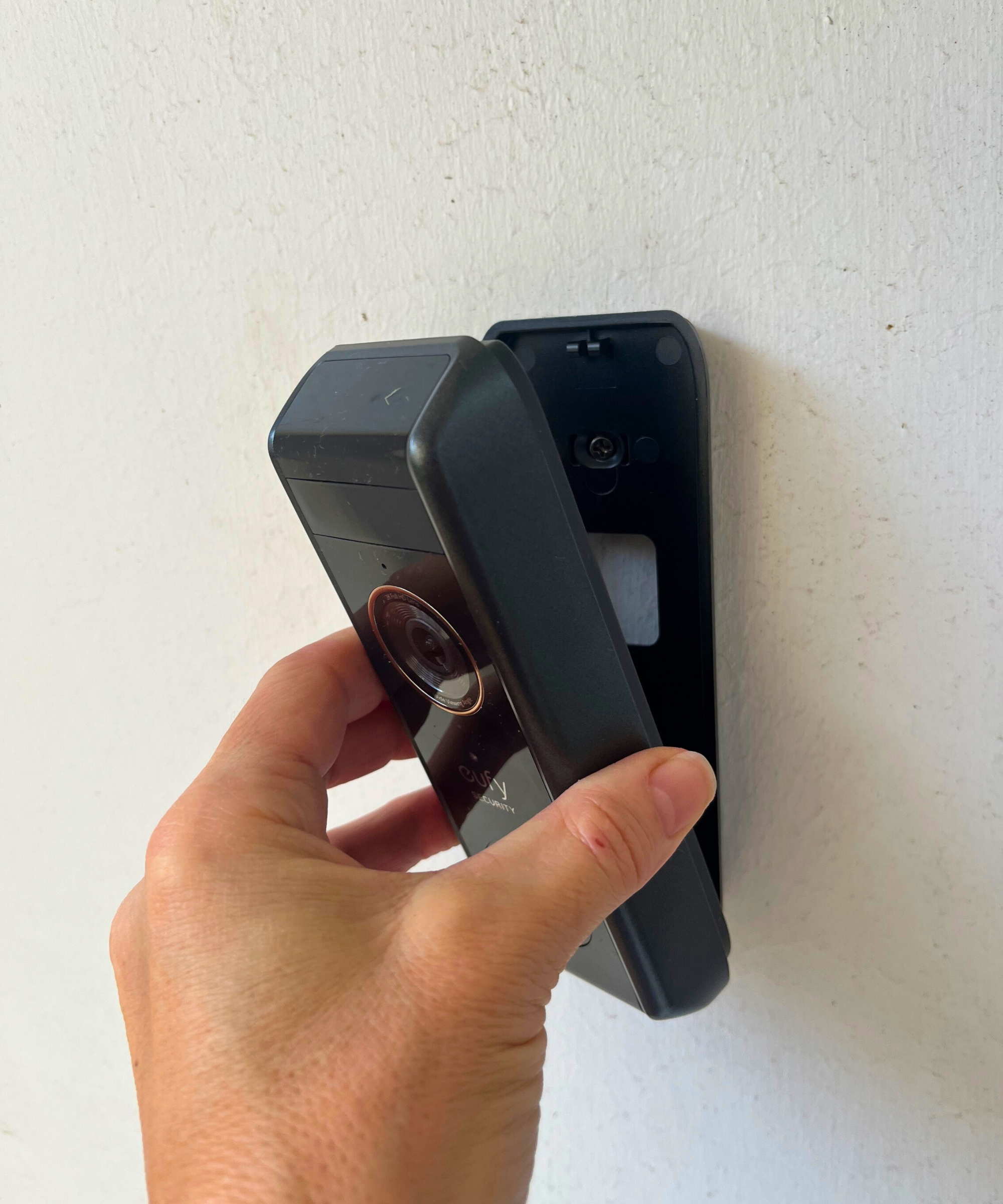
The supplied pin is used to detach the doorbell, and it can charge overnight.
(Image credit: Future / Lucy Searle)
Battery life is rated three to six months under typical conditions (10 motions a day, 20-second recordings). My household has been busy – my kids are in and out, I probably come and go at least three times a day, and my contractor has used my front yard as his work station for the past four months, so I’d say ‘traffic’ has been heavier than it might be ongoing.
As I said, I installed the eufy back at the beginning of November 2025 – and I’m writing at the end of February 2026. In those four months, I’ve had to recharge the doorbell twice.
This is easily managed. You get an alert via the app that the battery life is low, a good couple of days ahead of it running flat. Then you simply use the supplied pin to remove the doorbell from its fixing, then use the supplied charging wire to repower it. I usually recharge mine overnight, removing the last thing before bed, returning it fully charged first thing in the morning. Hardwiring would remove this concern, but I’m not on the ‘porch’ part of my slow renovation yet.
eufy S330: Price
The eufy S330 typically costs $259.99 at eufy, making it one of the most expensive video doorbells we’ve tested to date. This is offset by the fact that it doesn’t require a monthly subscription, so, within a year, a cheaper video doorbell will have ended up costing this much anyway.
But this isn’t the only subscription-free doorbell out there. The eufy E340, costing $149.99 at eufy, has almost all of the same core features, including the dual cameras, object recognition, and event history with local storage. The $100 drop in price is owed to the lack of the HomeBase 2, and you’ll have to buy one separately (or use an existing Google or Alexa device) if you want to hear the doorbell chime. Otherwise, you’ll only hear it on your phone.
The Philips 7000 Series Video Doorbell is another strong option, costing $235.99 at Philips but often discounted to around $169 (as it is at the time of writing). It has some of the most advanced radar detection and motion sensitivity we’ve tested, picking up movement from up to 15 yards away.
Next, discover how these rigorously tested best soundbars and best robot vacuums can add to your smart home.
Love the latest product news and helpful shopping advice? Sign up for our newsletter and get the latest features delivered straight to your inbox.
First Appeared on
Source link






