AMD Ryzen 7 9800X3D Reportedly Dies At Less Than 10% Usage On ASUS X870 Motherboard
Another case of CPU failure, but the user reports minimal CPU usage when it died. This time, it was the ASUS motherboard.
Redditor Confirms Dead Ryzen 7 9800X3D on ASUS TUF Gaming X870-Plus After Leaving His System On Overnight With Nominal Load
Ryzen 7 9800X3D death reports aren’t uncommon, and they continuously surface on Reddit. Keep in mind that despite so many reports surfacing online, the RMA rates for the Ryzen 7 9800X3D are nearly on par with other Ryzen 9000 CPUs if we go by the data from Mindfactory. Still, it’s important to examine every case of CPU failure with utmost scrutiny to see what’s going wrong with the Ryzen 9000, including both X3D and non-X3D chips.
AMD Ryzen 7 9800X3D, which remains one of the best gaming CPUs to date, has been suffering from unexpected failures on 800-series motherboards, particularly models from ASRock. ASUS motherboards have reportedly been linked tos everal similar failures as well. In this particular case, the Ryzen 7 9800X3D didn’t die due to operating at full load, according to the user u/seklay. He says that he left his PC on for a whole night with some lightweight apps running, mostly in the background.
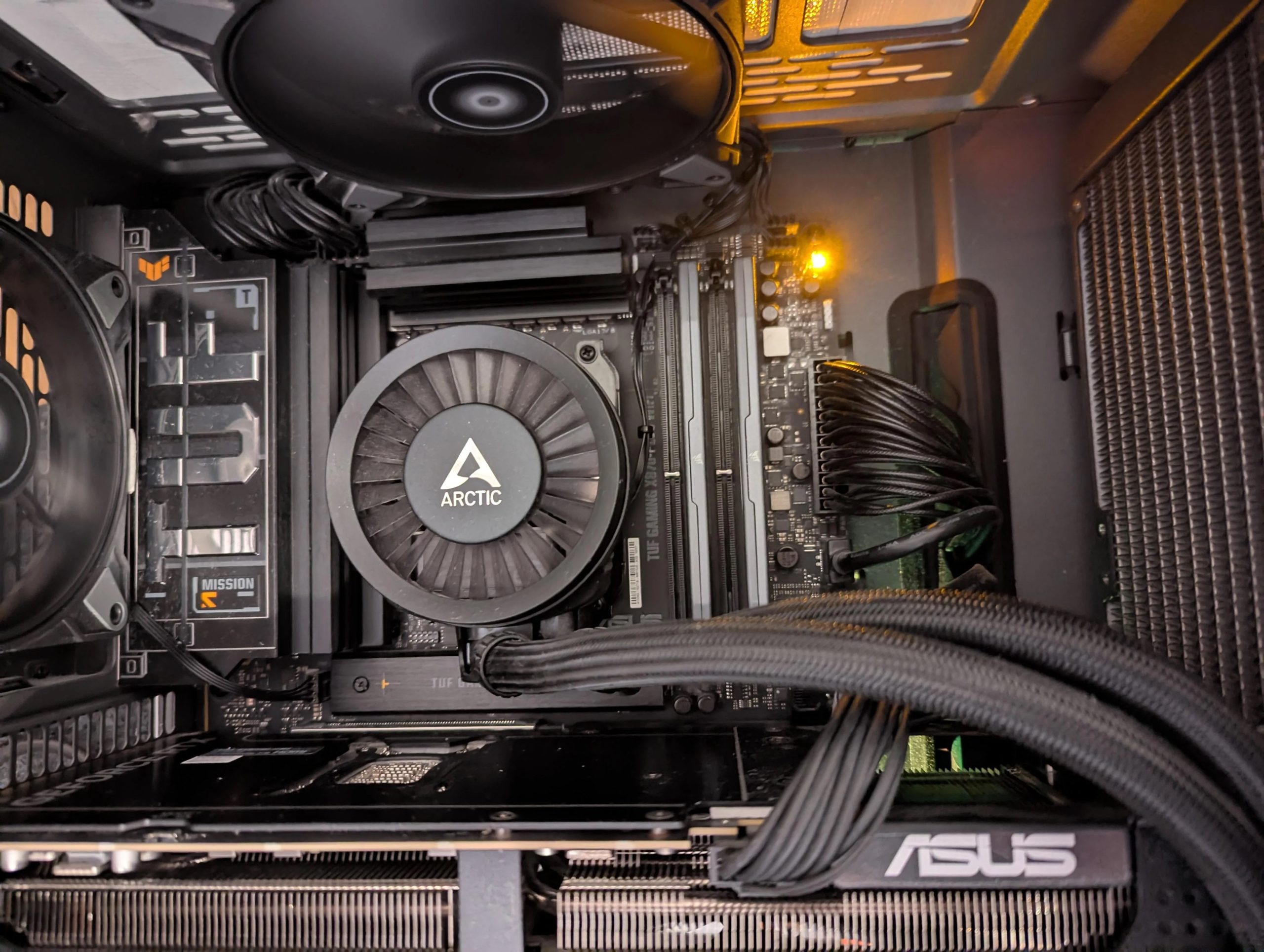
With nearly 10% CPU usage, his system still froze when he checked in during the day. The power LED was reportedly blinking, indicating the system could have gone into the Sleep mode, but the case fans were spinning at 100%, which is bizarre. After a hard reset, the system refused to POST, but the pattern for CPU failure is clear from what he reported. Upon turning on his PC, his fans were operating at 100% continuously, the monitor didn’t show any display signal, and the Q-LED for DRAM stayed continuously on (Orange), which is a classic indicator of CPU failure.
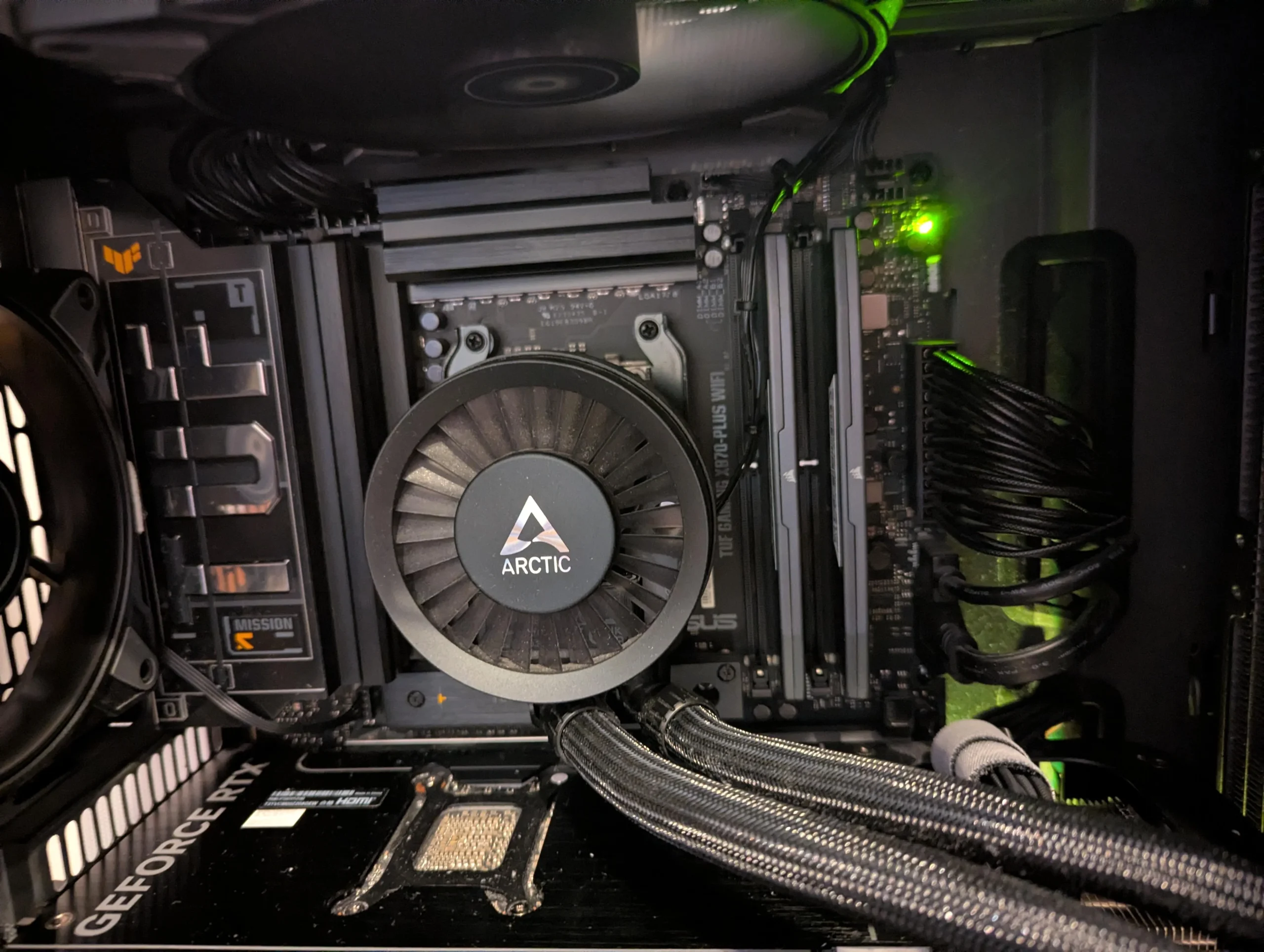
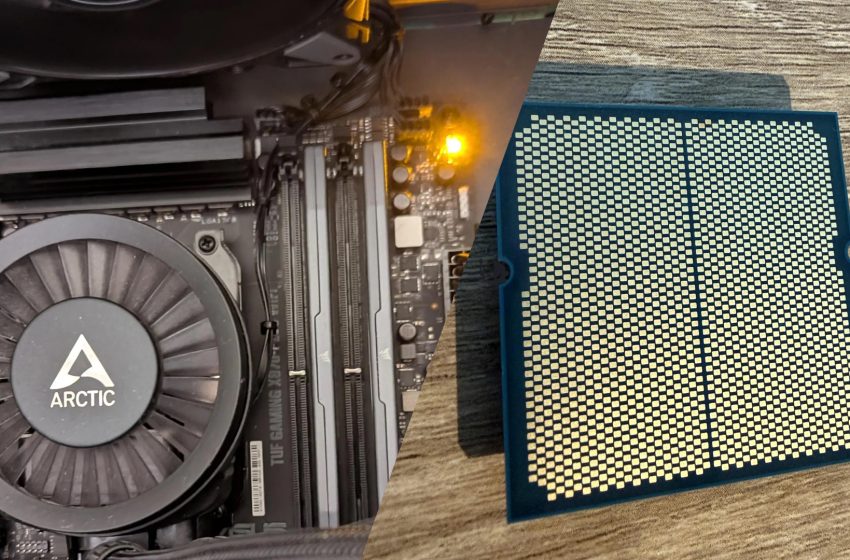
A CPU failure does not always trigger a continuous CPU LED, and in some cases, it can also cause the DRAM LED to remain lit. It’s possible that the CPU usage may have spiked suddenly, but we will never know. That said, he tried swapping the CPU with another one, and the system worked perfectly fine, confirming his CPU was dead. As far as BIOS settings are concerned, he had AMD EXPO and PBO enabled, but he didn’t do any manual overclocking. Even when the CPU died, it didn’t leave any burn marks on the socket, as per what the user saw.
Unfortunately, we don’t know what BIOS version he used, but it was quite old (early 2025). Almost all motherboard vendors recommend installing the latest BIOS to prevent such failures, and ASUS, too, rolled out its latest BIOS update with AMD AGESA 1.3.0.0a recently for better optimizations.
News Source: Reddit
Follow Wccftech on Google to get more of our news coverage in your feeds.
First Appeared on
Source link