


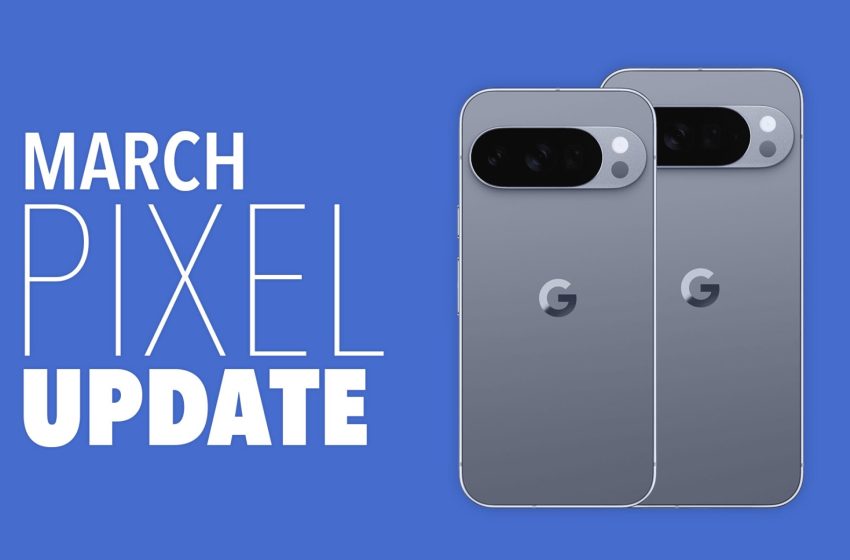
Google Pixel Phone’s March Update Arrived
The March Pixel update is available for download today and it’s a big one. Not only is it a Pixel Feature Drop (all new features here), it is a quarterly update that has been in beta testing for some time (Android 16 QPR3 Beta).
With these quarterly updates, Google tends to fix dozens of bugs and issue changes to Android for the Pixel line. These updates only drop each quarter (obviously) and go through several rounds of beta tests in order to get them right for stable release. We started testing this build in December and saw only a couple of updates along the way. This could be the last big Android 16 update before we get Android 17 in the coming months.
We already talked about all of the new features, but this update is important for another reason – it gives new software to the Pixel 6 and Pixel 7 lines of phones. Google has switched those devices to a quarterly update schedule in recent months without announcing anything. We’ve tracked that situation, though, but since this is a quarterly update, all of those devices are now included. You’ll find all builds below.
Global
-
- Pixel 6: CP1A.260305.016
- Pixel 6 Pro: CP1A.260305.016
- Pixel 6a: CP1A.260305.016
- Pixel 7: CP1A.260305.016
- Pixel 7 Pro: CP1A.260305.016
- Pixel 7a: CP1A.260305.016
- Pixel Tablet: CP1A.260305.016
- Pixel Fold: CP1A.260305.016
- Pixel 8: CP1A.260305.016
- Pixel 8 Pro: CP1A.260305.016
- Pixel 8a: CP1A.260305.016
- Pixel 9: CP1A.260305.016
- Pixel 9 Pro: CP1A.260305.016
- Pixel 9 Pro XL: CP1A.260305.016
- Pixel 9 Pro Fold: CP1A.260305.016
- Pixel 9a: CP1A.260305.016
- Pixel 10: CP1A.260305.016
- Pixel 10 Pro: CP1A.260305.016
- Pixel 10 Pro XL: CP1A.260305.016
- Pixel 10 Pro Fold: CP1A.260305.016
- Pixel 10a: CP1A.260305.016
Again, Google (and its carrier partners like Verizon, T-Mobile, and AT&T) will begin pushing these updates over-the-air shortly (Settings>System>Software updates>System update), but if you don’t want to wait for Google and prefer to update manually, you will soon find each factory image or OTA file at the links below. For instructions on how to flash a factory image, here you go. For instructions on how to flash an OTA .zip file, here you go.
First Appeared on
Source link






