


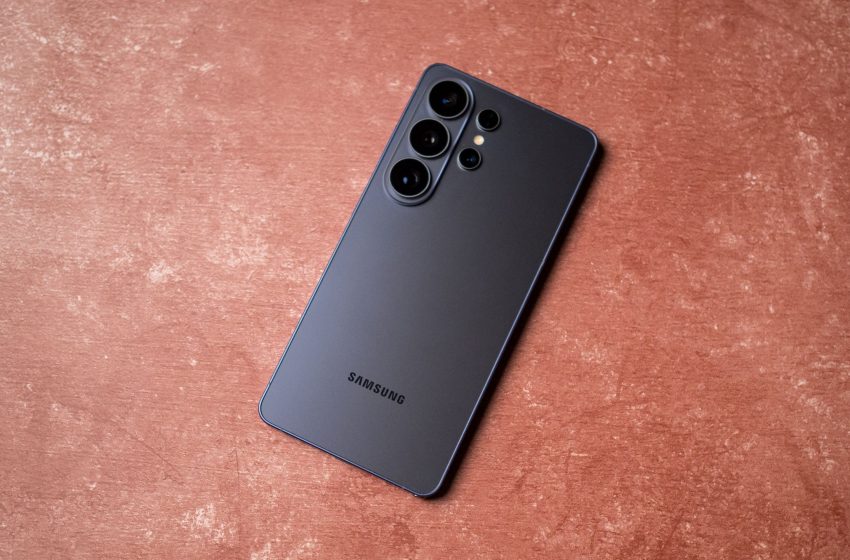
I used the Galaxy S26 Ultra for three weeks — here are six things I learned
I was excited to use the Galaxy S26 Ultra; I thought this would be the year Samsung rolled out meaningful upgrades to make the phone hold its own against Chinese alternatives like the Vivo X300 Pro and OPPO Find X9 Pro.
Annoyingly, that isn’t the case. While the S26 Ultra has a few cool new features, the underlying foundation hasn’t changed much at all from previous years, and you get a phone that isn’t quite as good as other Android flagships when it comes to the cameras and battery tech.
Still, that doesn’t mean the Galaxy S26 Ultra is a bad phone — not by any measure. It’s just that you don’t get any noteworthy camera upgrades, and that ultimately limits its potential. I used the Galaxy S26 Ultra as my daily driver for just over three weeks, and this is what I learned.
Article continues below
Privacy Display is great, but the actual AMOLED is missing a few basics
The defining feature on the S26 Ultra is Privacy Display, a hardware-assisted mode that’s designed to curb shoulder surfing by limiting screen visibility at side angles. This means no one can view what’s on your screen while in public, and it works really well — it’s something that I want other Android manufacturers to “borrow” on their own devices.
Privacy Display works by changing the pixel substructure of the panel itself, and Samsung calls this Flex Magic Pixel tech. Basically, the wide pixels that emit light at a broader angle are dimmed, and this ensures no one can see your screen at a side angle, even though you can easily make out the contents of the screen. There is a noticeable decrease in brightness levels because of how the tech works, but I didn’t have any issues using the mode outdoors under harsh sunlight.
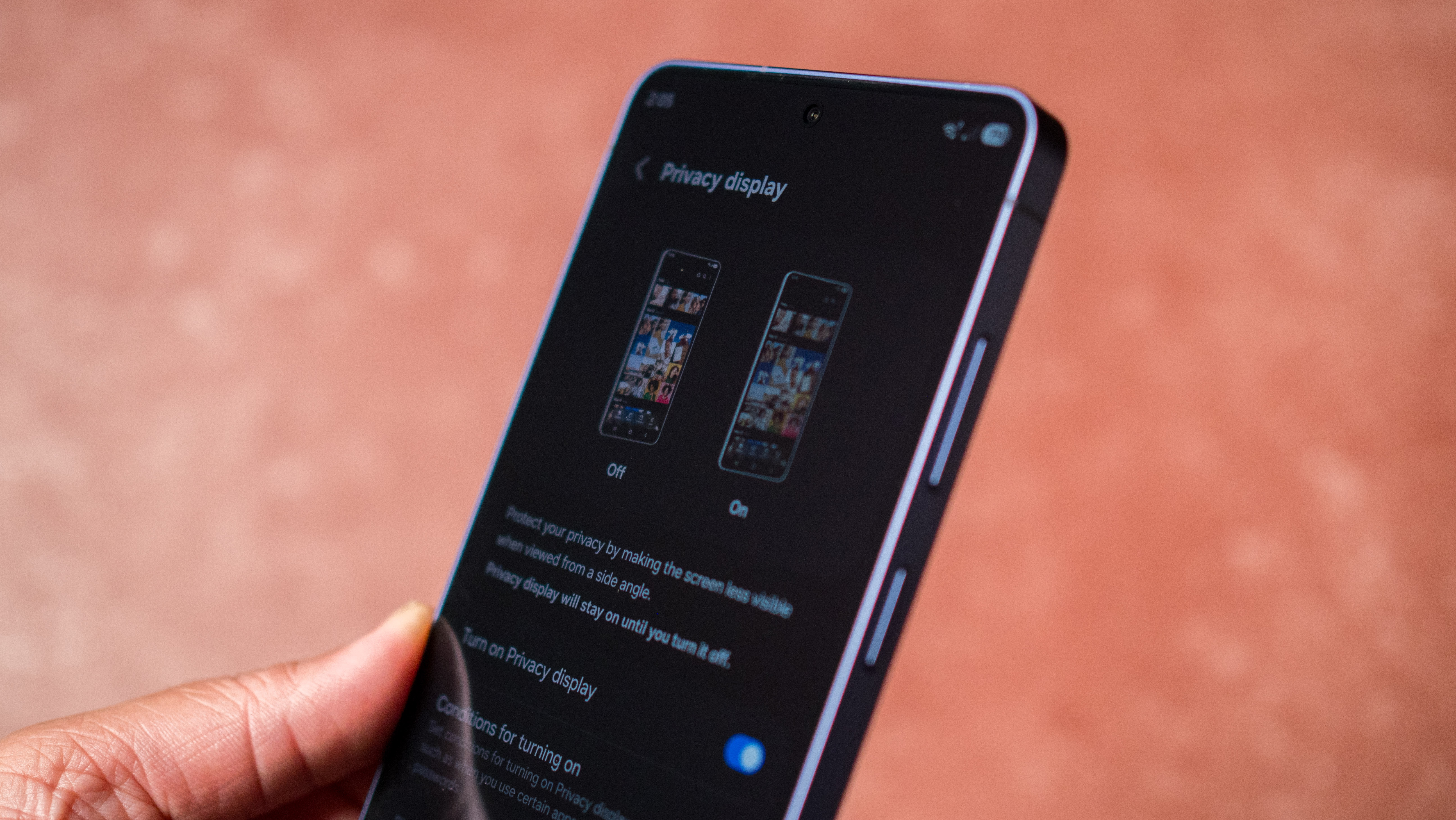
I like the versatility as well; the ability to toggle the mode on or off is novel, and Samsung did a great job overall. That said, the AMOLED panel itself misses out in a few areas; it doesn’t get as bright as the Xiaomi 17 Ultra, Find X9 Pro, Pixel 10 Pro XL, or the Vivo X300 Pro, and that’s without Privacy Display activated.
You miss out on other mainstays like high-frequency PWM dimming, and this is something that Samsung really needs to address on its devices. Oddly enough, the S26 Ultra misses out on Dolby Vision as well, and only has HDR10+.
The new design is better to hold — but it wobbles like no other phone
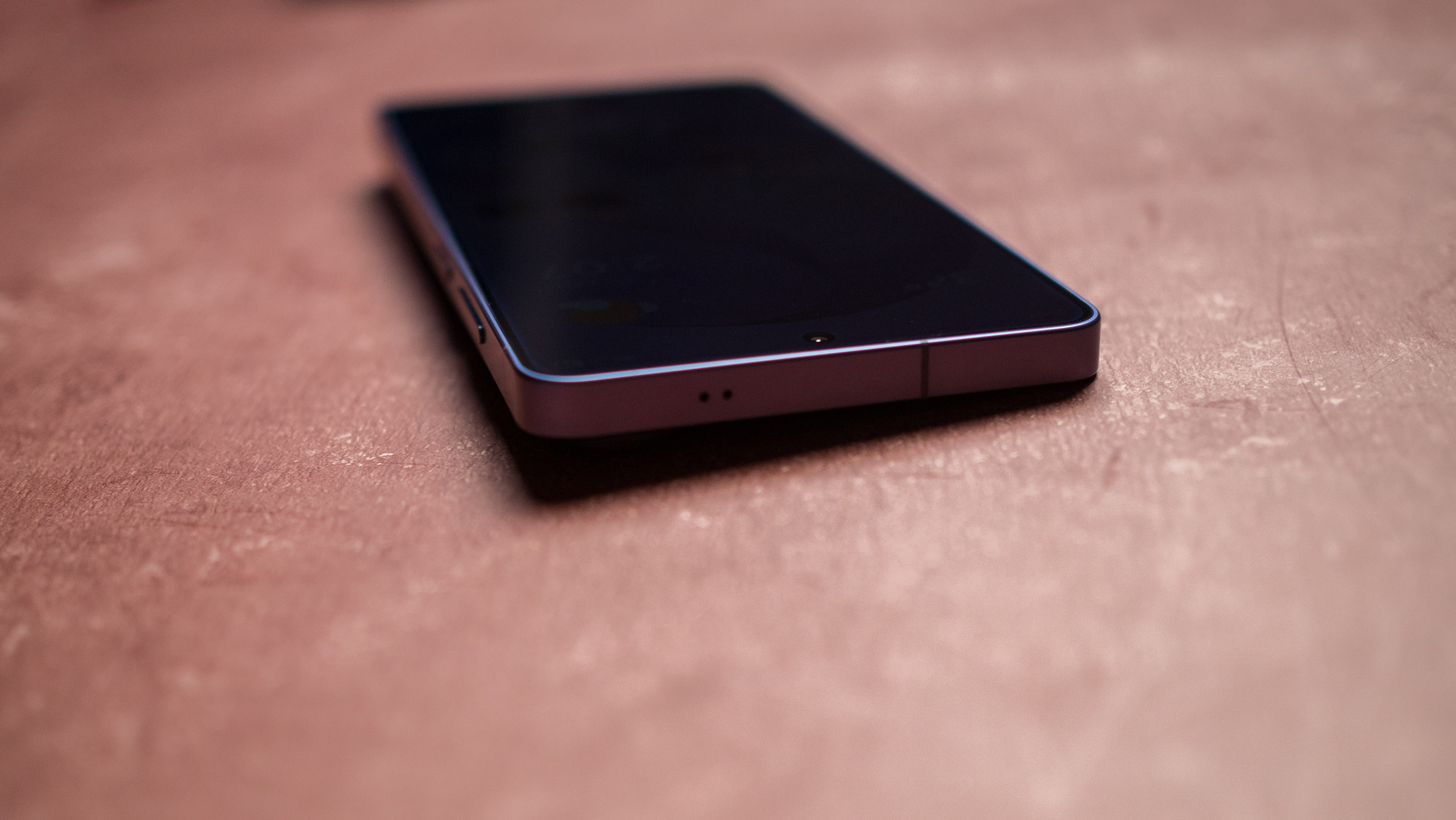
Even though the Galaxy S26 Ultra is a little taller and wider than its predecessor, I like the in-hand feel better. Samsung rounded the corners and made the device a little thinner, and that is a noticeable difference. The rounded design in particular is a welcome move, and it means the phone no longer digs into your palm when using it one-handed.
Image 1 of 3
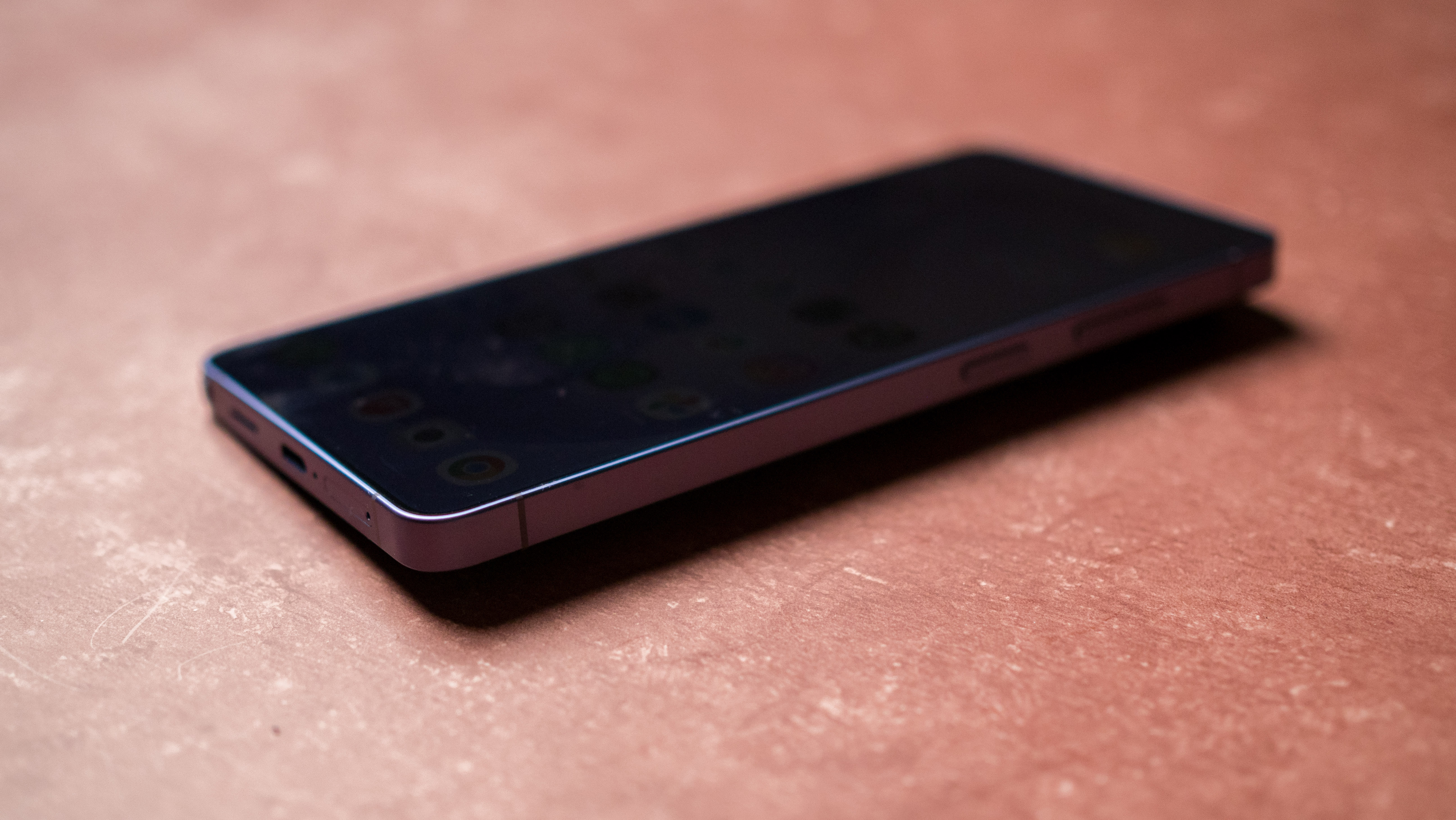
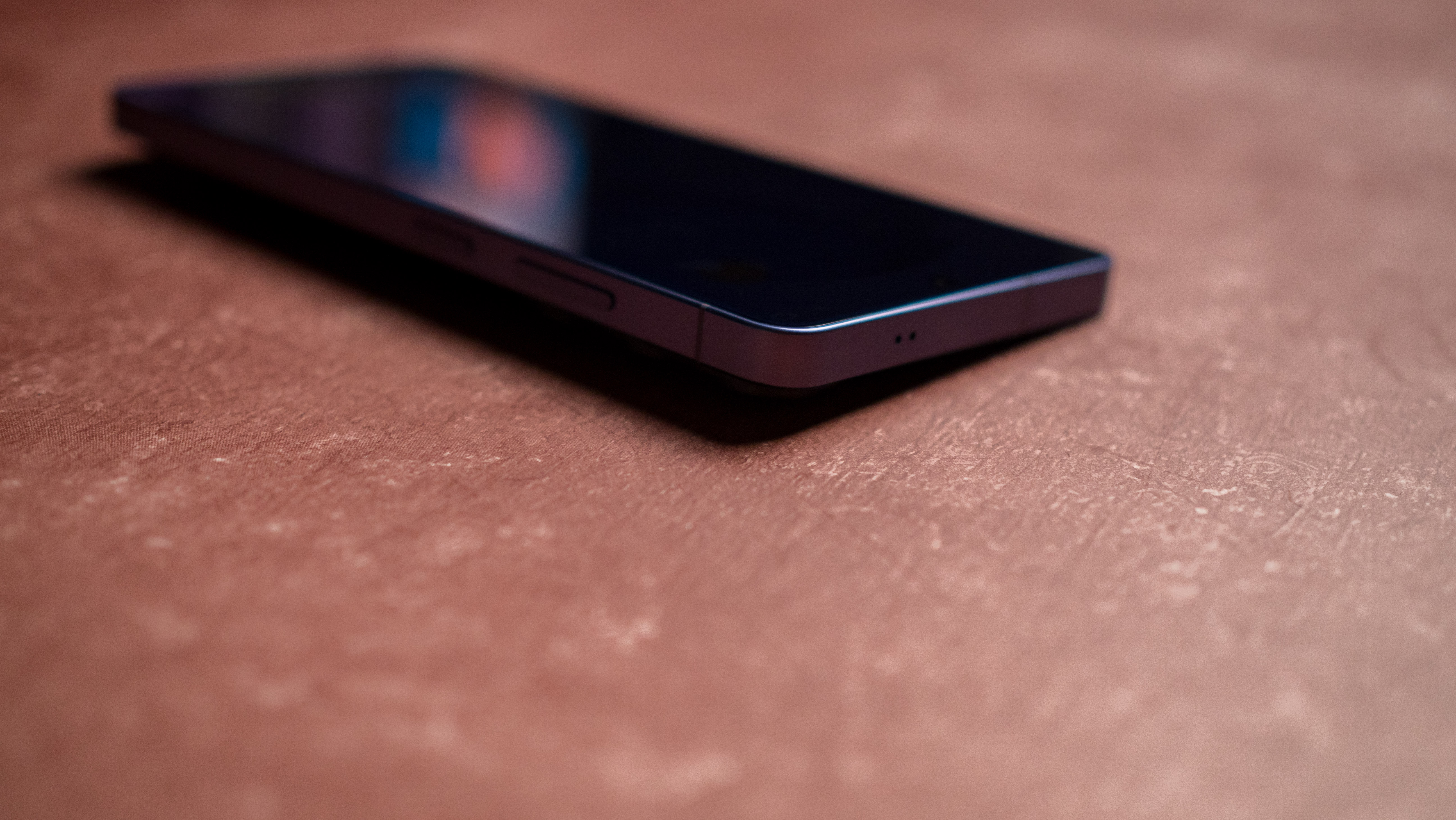
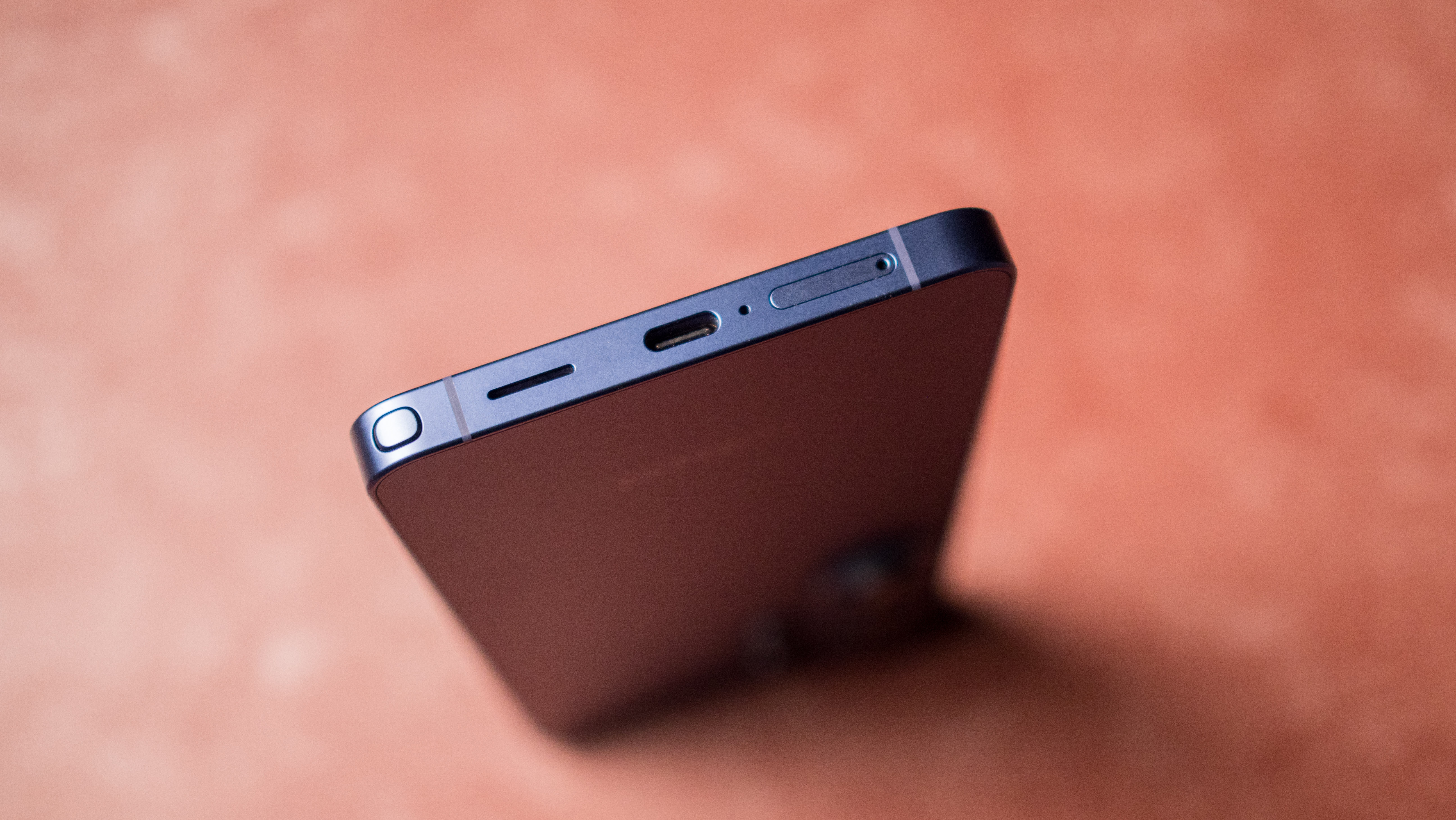
However, the biggest issue with the design is the new camera island; the modules jut out a little more than previous years, and as they’re located on the left, this makes the S26 Ultra wobble a lot when you’re using it on a table. The wobble is extreme enough that you’ll need to use a case if you want to use the phone this way.
The build quality is still among the best on Android, with Samsung using an aluminum mid-frame with even better durability, and using Gorilla Armor 2 at the front and Gorilla Glass Victus 2 on the glass rear. The colors options are pretty good this time as well, and I really like the Cobalt Violet model I’m using.
The cameras just aren’t good enough on a 2026 flagship
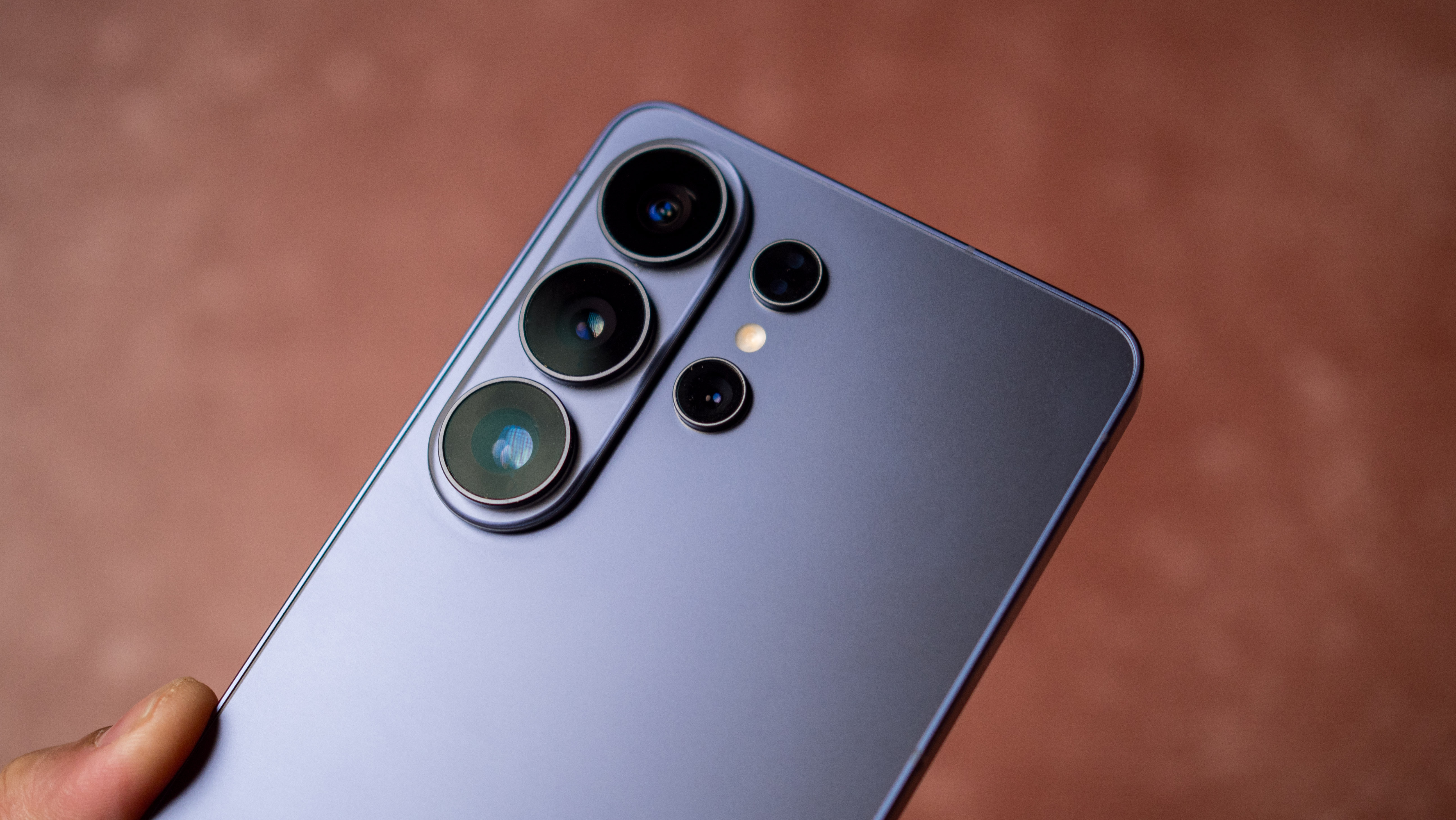
Samsung needed to deliver sizeable upgrades to its cameras this year, but it failed to do so. The result is that the Galaxy S26 Ultra lags behind its Android rivals to a noticeable extent. The gulf is wide enough that it isn’t just the Vivo X300 Pro, Find X9 Pro, and the Xiaomi 17 Ultra that take better photos and videos, but even last year’s X200 Pro and Find X8 Pro outshine the S26 Ultra to a meaningful degree.
Samsung isn’t willing to make any changes to the cameras because it doesn’t have to. While Chinese brands are dominating in this area, they don’t have a presence in North America, so all Samsung needs to do is ensure its cameras are on par with the Pixel 10 Pro XL and iPhone 17 Pro. The S26 Ultra holds up a little better in that context, but it just isn’t good enough when you look at the broader Android ecosystem.
With Chinese manufacturers expanding global availability — both the Vivo X300 Ultra and Find X9 Ultra are launching globally — Samsung will have to address its camera deficiency sooner than later.
Thankfully, the software is among the best around
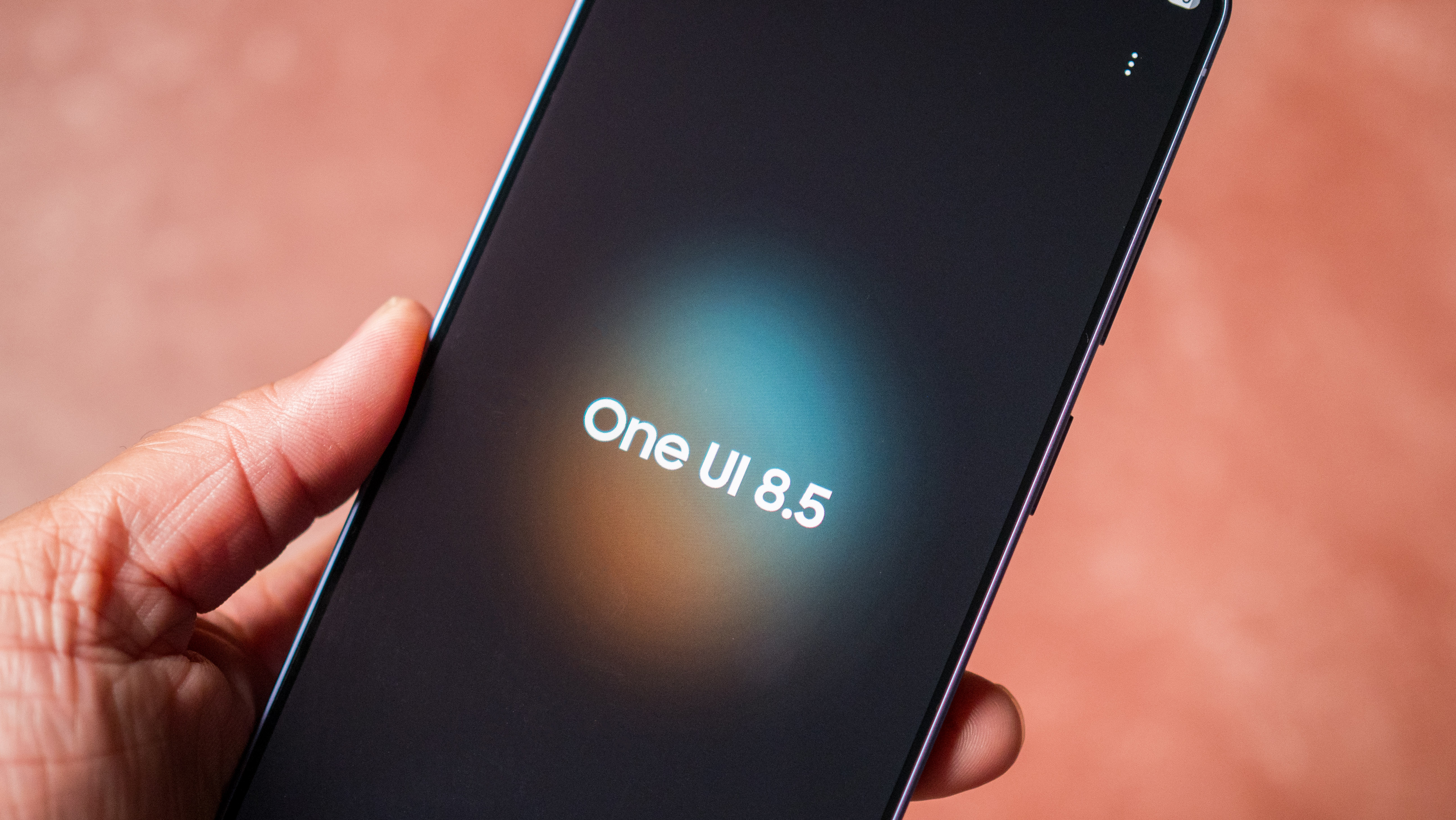
One UI 8.5 isn’t too different to what we got last year, but it has a modern design, and plenty of features that see a lot of usage. If anything, it’s the software that makes Samsung users unwilling to switch to other Android skins, and I can understand that very well.
As someone who much prefers using Pixels, I’m not the target audience for One UI, but I’ll admit that Samsung continues to do a great job with its software efforts. The Android 16-based interface has everything you need, and Samsung’s own take on the phone dialer, browser, gallery, and messages has enough differentiation that they stand out meaningfully against Google’s alternatives. I’m still a little annoyed about the amount of Microsoft bloatware on these devices, but it’s easy enough to disable or uninstall.
Battery life doesn’t measure up to Chinese rivals
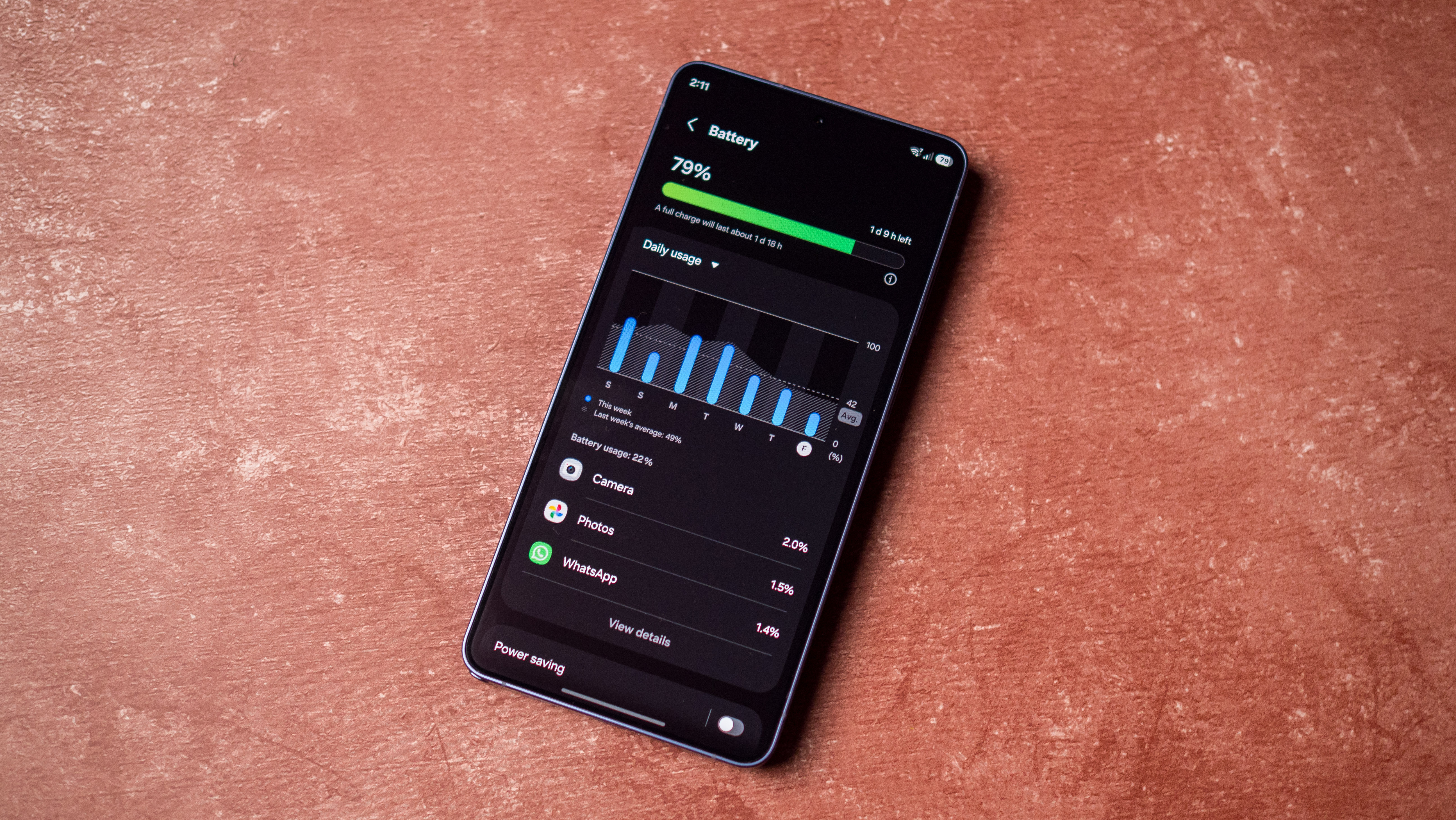
Samsung hasn’t changed the battery size on its Ultra model in six years, so the S26 Ultra gets the same 5,000mAh battery as the S20 Ultra, and that’s just not good enough in 2026. With Chinese brands rolling out massive batteries on their phones and leveraging silicon-carbon tech to great effect, Samsung is essentially left behind in this area.
While the S26 Ultra still lasts a day on average, with heavy enough use, you’ll need to plug in the phone before the end of the night. That’s just not the case with the Vivo X300 Pro, Xiaomi 17 Ultra, or the Find X9 Pro, and using the S26 Ultra after daily driving Chinese phones feels like a clear downgrade.
Another annoyance is Qi 2 integration; while the phone is Qi 2 ready, it doesn’t have built-in magnets, so you will need to use a case if you want to use the S26 Ultra with a Qi 2 charger. With Google managing to integrate Qi 2 in the Pixel 10 range, I figured Samsung would follow suit, but that just hasn’t materialized. While this wasn’t an issue in previous years, I started using Qi 2 chargers on my desk just because of how convenient it is, and having to use a case to be able to use the tech is frustrating.
Thankfully, Samsung made welcome tweaks to regular charging, with the phone going up to 60W over the USB PD protocol. With a standard 100W USB PD charger, I was able to charge the S26 Ultra fully in just over 46 minutes, and that’s a much better time than its predecessors.
You get meaningful AI features
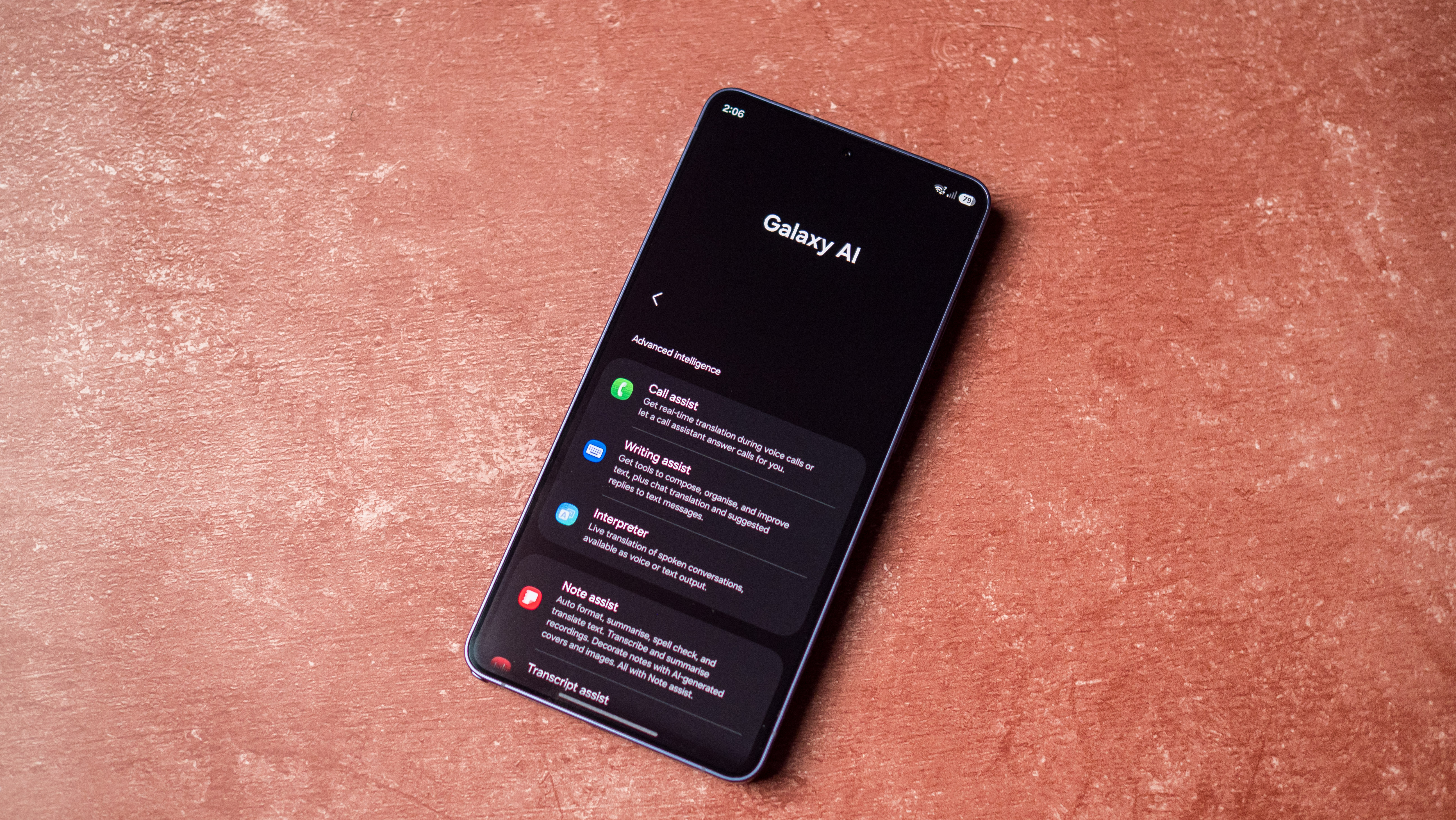
With Galaxy AI, Samsung has one of the strongest AI-assisted utilities of any manufacturer. Whether you want to translate calls in real-time, generate summaries, get real-time translations while traveling, edit photos and videos using AI, or use generative features to create sketches, there’s enough features available on the S26 Ultra to suit everyone’s needs.
That said, if you don’t want to use any AI features, you don’t need to, and that’s what I like about how Samsung set up Galaxy AI in general. It’s there should you need it, but you’re not constantly bombarded by push notifications to use AI in every app, and that’s good to see.
I get that the Galaxy S26 Ultra isn’t for me; it just doesn’t do enough for a flagship in 2026, and having used the Find X9 Pro, Vivo X300 Pro, and Xiaomi 17 Ultra in the last six months, the S26 Ultra somehow feels stale. While I’m not denying that it is a good phone, it doesn’t have groundbreaking cameras like the Vivo X300 Pro, or the multi-day battery life of the Find X9 Pro.
But I know that because I used all the other Chinese alternatives; Samsung isn’t pitting the Galaxy S26 Ultra against those phones, and is instead targeting the iPhone 17 Pro and Pixel 10 Pro XL — that’s why Samsung can get away with iterative upgrades. The end result is that the Galaxy S26 Ultra is a decent choice if you’re on an older Samsung phone, but it may not be as exciting as you imagined.
First Appeared on
Source link






