


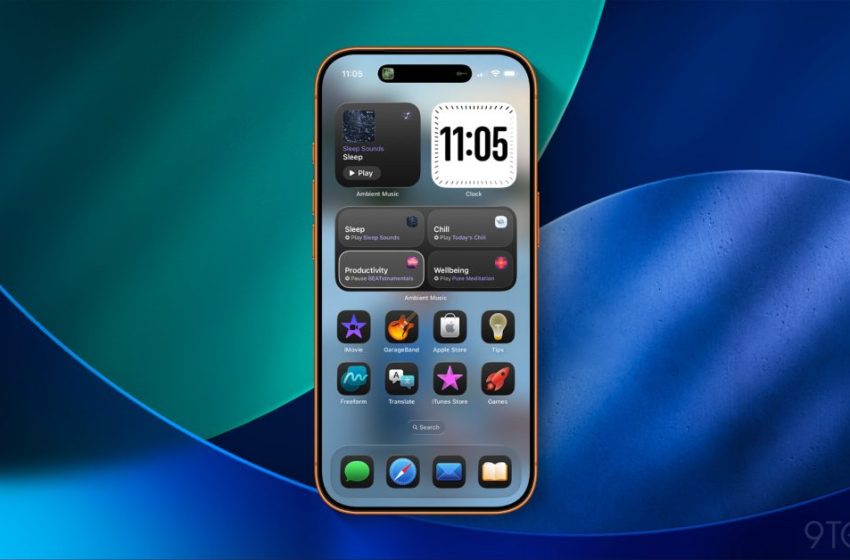
iOS 26.4 adds brand new widgets for your iPhone’s Home Screen
iOS 26.4 comes packed with many new features, including brand new Ambient Music widgets that can be added to the iPhone’s Home Screen. Here are the details.
Widgets on the iPhone are meant to do one of two things: provide glanceable information, or convenient one-tap actions.
In iOS 26.4, Apple has added two new widgets that focus on the latter.
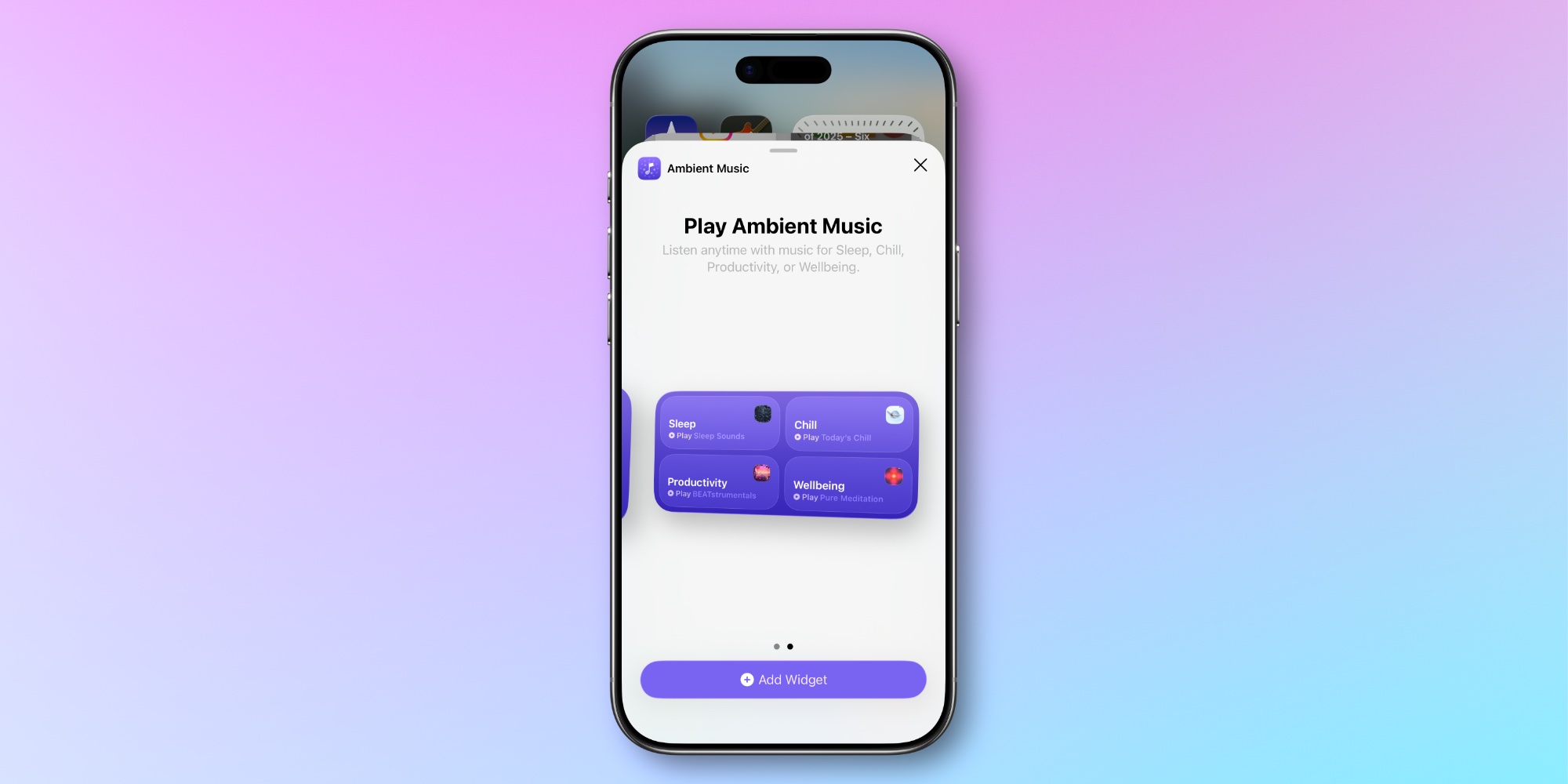
New ‘Ambient Music’ widgets let you kick off playback of up to four playlists fitting specific moods with a single tap.
The smaller Ambient Music widget features just one playlist. You can customize the widget to offer any one of the following ‘mood’ options:
- Chill
- Productivity
- Sleep
- Wellbeing
The larger Ambient Music widget (seen above) provides convenient access to all four mood playlists, with one-tap play buttons available for each.
These new widgets build on the Ambient Music feature that debuted in Control Center last year. And just like with the Control Center option, iOS 26.4’s new widgets let you customize which music plays for each mood.
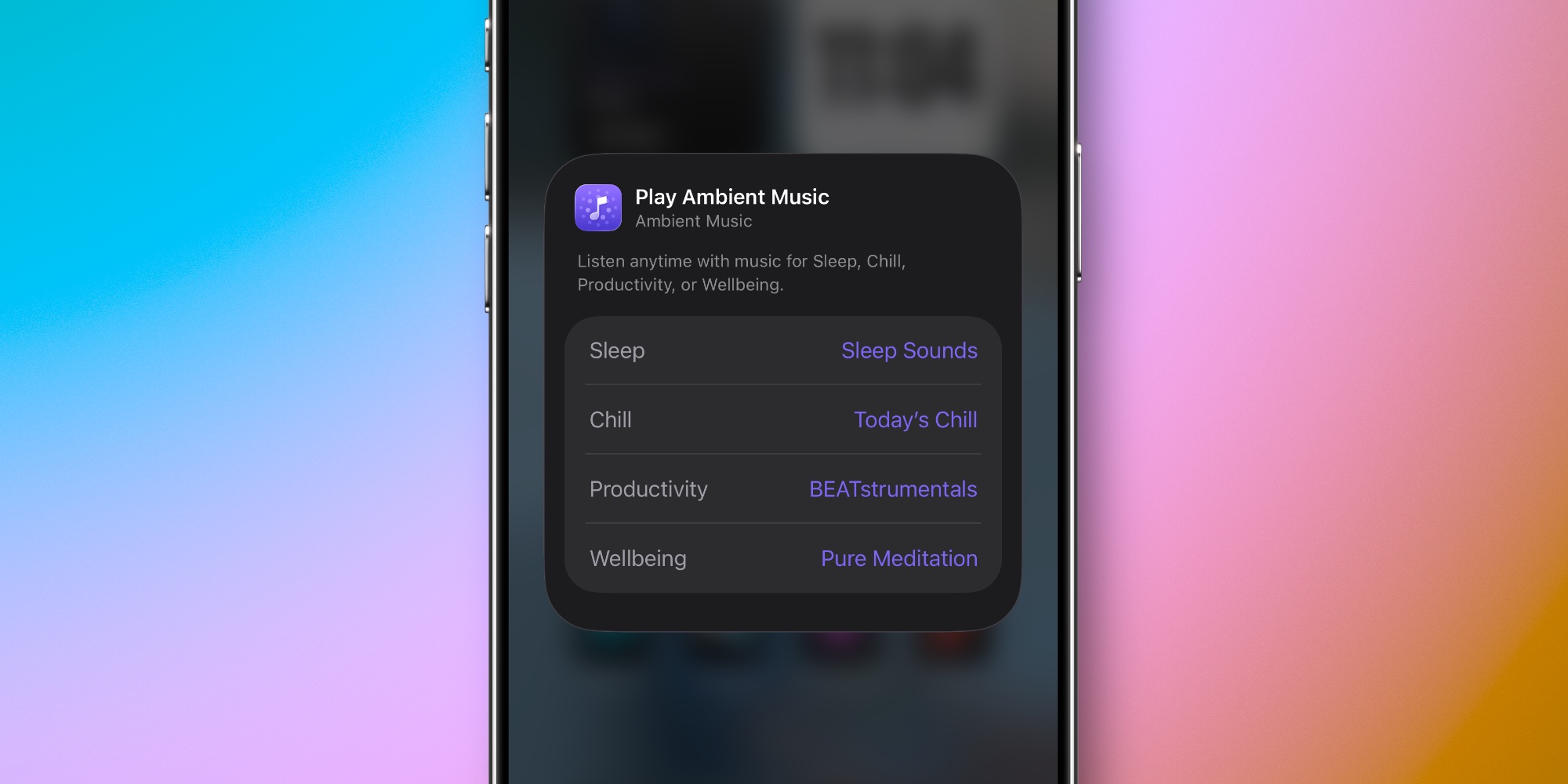
Apple has built-in playlists to choose from. So with Sleep, for example, you can choose from Sleep Sounds, Bedtime Beats, Sound Bath, and Piano Sleep.
These presets make it easy to get started using the Ambient Music widgets.
But if you’d prefer to use one of your own custom playlists for a given mood, that’s an option too. Just long-press on the widget, hit ‘Edit Widget,’ and set your preferred music.
All Ambient Music features are currently connected to Apple Music, so Spotify users unfortunately won’t benefit from the new widgets.
For an overview of new Apple Music features coming in iOS 26.4, see our full guide here.
Apple Music is available for $10.99/month, or you can get it as part of the Apple One bundle.
Best iPhone accessories


FTC: We use income earning auto affiliate links. More.
First Appeared on
Source link






