


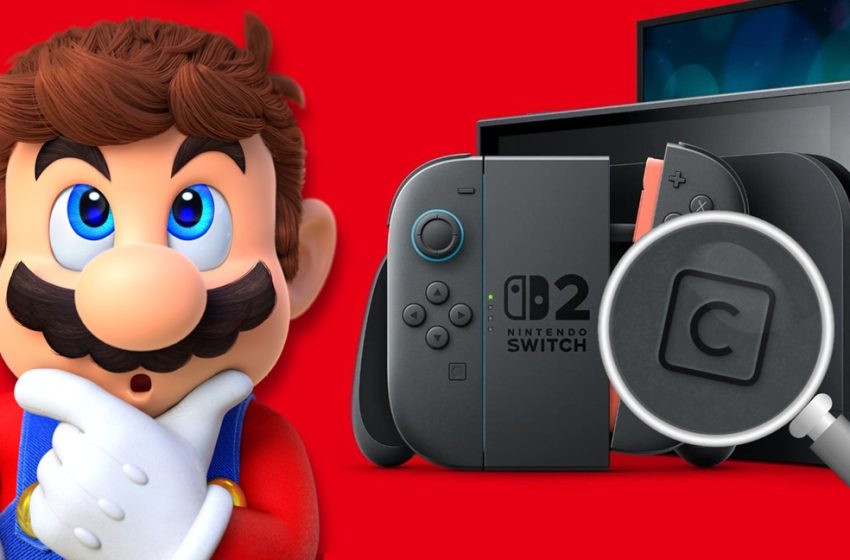
Nintendo explains why it gave GameChat a dedicated button on the Switch 2 controller
A Nintendo developer has spoken about why GameChat has a dedicated button on the Switch 2 controller and gave some insight into the making of the feature in general, including scrapped logo design ideas. This comes courtesy of a recruitment post made on Nintendo’s website.
GameChat has been one of the big features Nintendo is promoting on its new console. Up to twelve people can chat while playing games and it’s even possible to share your screen in real time.
It was explained in the post that Nintendo needed “a simple and easy-to-use interface”. This brought about a dedicated button that could “started with a single action.” Nintendo considered different ideas and mulled over some logo possibilities, but “wanted players to be able to refer to it easily, for it to be easily understood as part of the console features, and to harmonize with the already existing A and B buttons.”
Designing GameChat for Nintendo Switch 2
Nintendo Switch 2 is an evolution of the features of the first Nintendo Switch console. As well as hardware improvements such as a bright, big new screen and magnetic Joy-Con 2 that can be easily detached, we also added GameChat, a new feature that allows you to easily chat with others while playing, even if they are far away. I was involved in the development of the UI/UX for this.
At Nintendo, UI/UX design goes beyond just software, and also includes things such as hardware features, smartphone apps, and web services. This was true in my case as well – when I first entered the company I was responsible for software, and then after that I had experiences in hardware features, too. Even when the area of work changes, the importance of UI/UX remains unchanged – ‘making things easy to understand and easy to use for the player’. For example, in the case of a console, the things I try to create are, ‘keeping the game as the main focus’, ‘simple and clear visuals’, and ‘responsive control’. These things were also considered when designing GameChat.
Melding Game Experience with UI
We felt that for a new experience of ‘chatting while playing’ to be enjoyable without stress, it required a simple and easy-to-use interface. So, we came up with the idea of adding a dedicated button, to allow chat to be started with a single action.
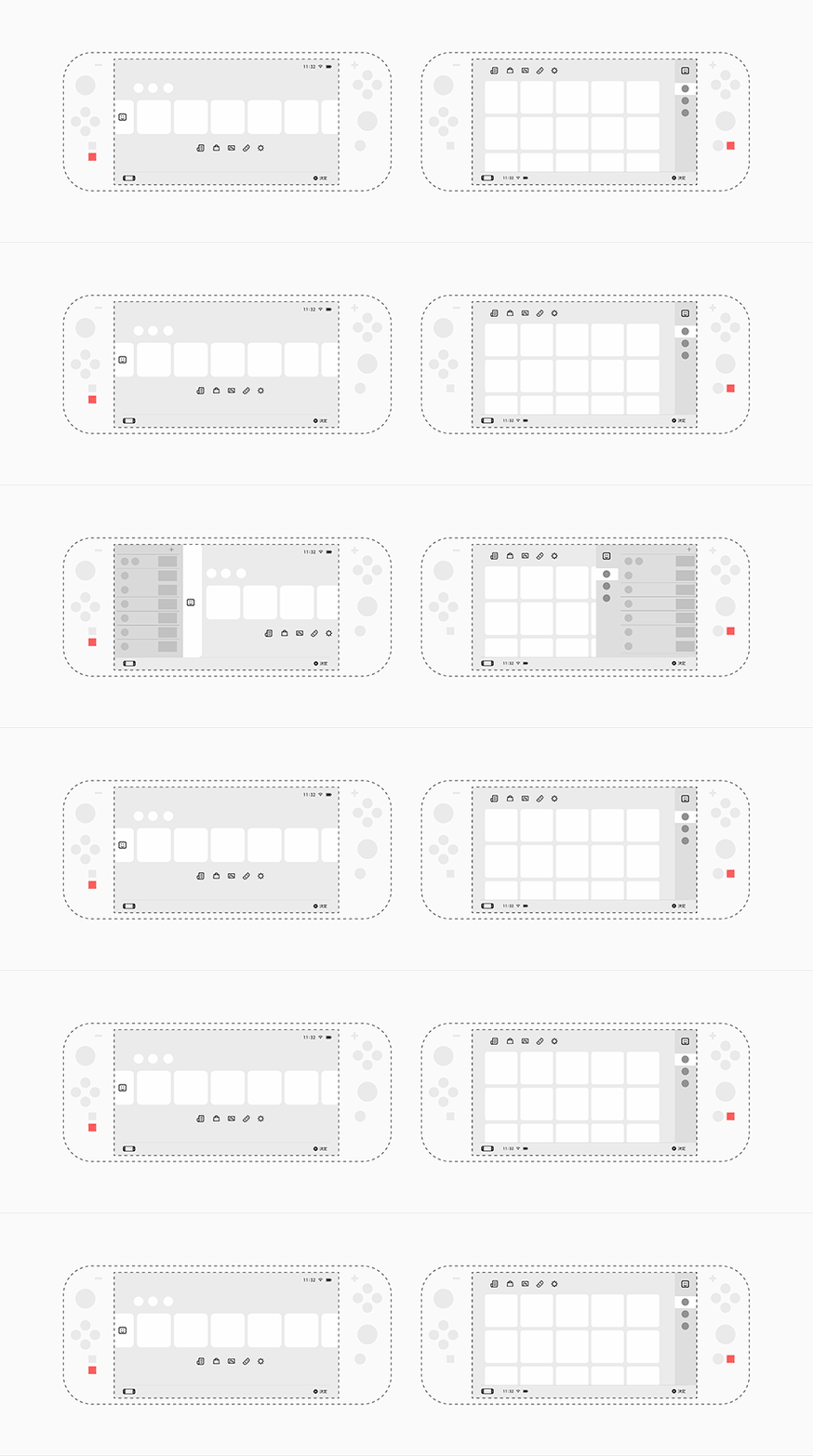
Normally hardware development falls within the product team’s responsibility, but here there is a culture to create opportunities to cross between teams and share ideas in order to create easy to understand and use UI/UX for the players. This time too, as a UI/UX designer I was also involved in the hardware design.
Using Design to Link Hardware and Software
Due to limitations on the manufacturing process, hardware design needs to be finished before software design. In order to make decisions within a short time, UI/UX designers, product designers, directors and producers were meeting daily to discuss various points such as whether a button was needed, the size, placement and feel of the button and the design of the icon.
To make the best choices, we created many prototypes and refined them while actually seeing and touching them. As for the button icon, we not only wanted the design to be easy to understand, but to connect with words regarding speech, such as chat, communication, conversation. Furthermore, we considered multiple
other viewpoints; we wanted players to be able to refer to it easily, for it to be easily understood as part of the console features, and to harmonize with the already existing A and B buttons. Ultimately we decided on writing a simple ‘C’ and placing this C button just below the Home button.
I believe that UI/UX design is a job that is not just about the visual, but also about connecting the software and hardware, while considering the overall experience. Even the small C button that fits under the thumb went through many discussions and prototypes, with each leading to a comfortable experience. In this project being able to bring about a new experience while working with the support of the team was greatly rewarding. I want to keep facing these challenges in the future.
Translation provided by Simon Griffin and SatsumaFS on behalf of Nintendo Everything.
First Appeared on
Source link






